
BrandCrowd offers an efficient and cost-effective logo design solution for small businesses. It’s a great choice for users seeking a simple, fast way to create a professional logo without breaking the bank.
- Simple to use
- Great value for money
- Large template selection
- Instant logo download
- Requires internet access
Price: $5
If you’ve ever tried building a brand from scratch, you know one thing—your logo defines everything. It’s what your audience remembers, relates to, and trusts.
As a content creator and entrepreneur, I (Jitendra Vaswani from Jitendra.co) have worked with countless businesses that struggled to find the right identity.
So, when I came across BrandCrowd, I decided to test it myself. The platform claims to be the world’s best logo maker, with over 9,000 positive reviews and a Trustpilot rating of 4.8/5. Big promises, right?
In this detailed review, I will walk you step-by-step through my experience using BrandCrowd — from creating a logo to customizing brand assets, checking pricing, licensing details, and understanding everything the platform offers.
If you’ve ever wanted a clear, honest guide to creating a professional logo and building a standout brand, this is it.
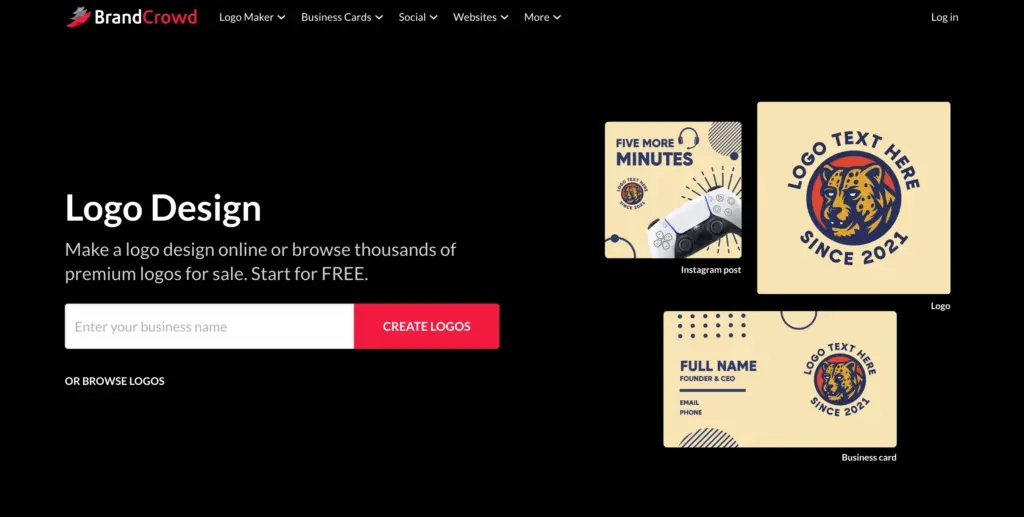
How to Create a Logo with BrandCrowd? (Step-by-Step)
Let’s go hands-on. Here’s exactly how I built a logo for my test brand “Jitendra Digital.”
Step 1: Enter Your Brand Name and Keywords
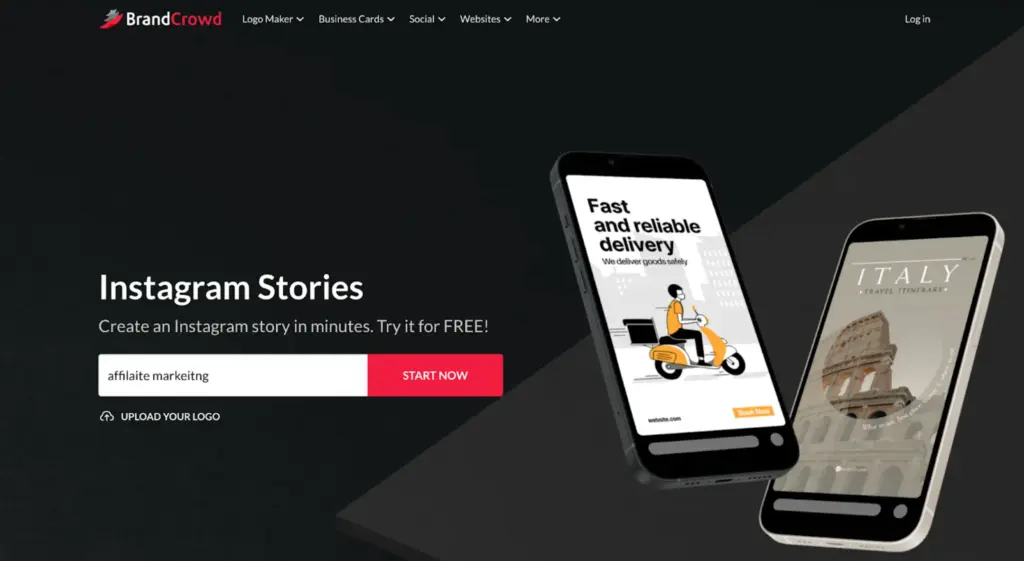
The homepage prompts you to enter your business name. I typed Affiliate marketing and pressed enter. Within seconds, hundreds of logo concepts popped up — all neatly categorized into styles.
To refine results, BrandCrowd asked for keywords related to my brand: I typed “marketing,” “tech,” and “media.” The results adapted instantly.
Within seconds, the AI suggested 200+ logos with relevant colors, fonts, and icons — from clean text-based logos to futuristic tech icons. This smart keyword recognition reminds me of an art director who instantly “gets” your vibe.
Step 2: Browse the Logo Library
BrandCrowd has a massive library of over 200,000 designs — arguably the largest in the world. Whether you’re starting a bakery, an e-commerce store, or a law firm, you’ll find templates that fit your tone and industry.
I explored several categories:
- Technology
- Marketing
- Consulting
- Online Services
Each category had beautiful, professional layouts. The logos looked like agency-level work — not the generic icons you get elsewhere.
Some designs were marked “exclusive”, meaning only one person can license them. If you buy one, it’s removed from the library! That’s game-changing if you don’t want your competitor using the same visual identity.
Step 3: Add Favorites
Scrolling through hundreds of logos can feel like a treasure hunt. To keep track, I used the “heart” (favorite) feature to shortlist options.
You can find your favorites under the “Shortlist” tab on the bottom-right side of the page. To view them later, simply click “View Shortlist.”
This feature came in handy when testing multiple concepts. I could show a few logos to my team for feedback before deciding — a rare feature among logo builders.
Step 4: Customize Your Logo
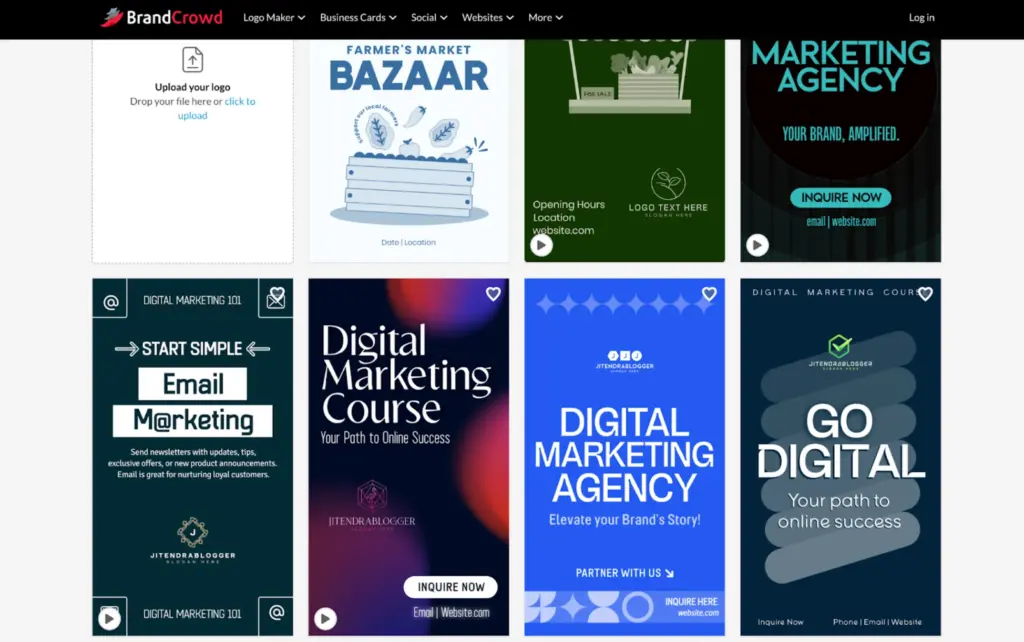
Once I picked a logo, BrandCrowd took me straight to the editor dashboard.
This is where the fun begins.
You can:
- Change text (brand name, slogans, etc.)
- Adjust fonts (hundreds of unique, exclusive styles)
- Modify colors and gradients
- Resize, rotate, and layer elements
- Curve or outline text
- Add shadows
The editing system works on drag-and-drop, making customization super easy — even for non-designers. If you’ve ever used PowerPoint, you’re already equipped.
One of my favorite touches? The Font Preview Tool. You click one button, and it shows how your logo text looks in different font options without redoing anything.
Additionally, you can tweak shapes, banners, and icons by selecting “Add Shape.” This opens a full shape library with thousands of editable geometric and icon elements.
Step 5: Layer Control and Alignments
BrandCrowd includes a smart layering system — similar to what professional tools like Adobe Illustrator use.
This lets you easily control element order (bring text forward, send icons backward) while aligning everything perfectly. The automatic grid adjustment ensures everything remains symmetrical — another professional touch.
For a $0 tool, this level of sophistication surprised me.
Step 6: Preview and Download
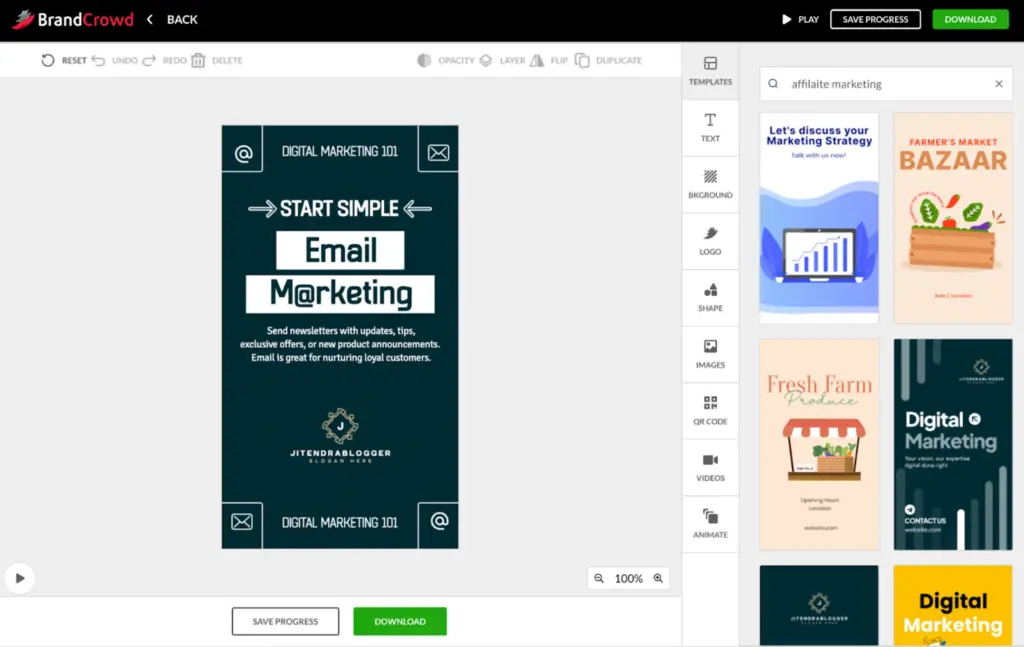
Once done, I used the preview button to see my logo on real items — business cards, websites, and merchandise. This feature is pure gold for visualizing how your final design will appear in real life.
After the preview, I hit “Download” and got multiple versions:
- Full Logo (icon + text)
- Icon Only
- Text Only
- Grayscale
- Transparent Background
In short, BrandCrowd gives you everything needed to use your logo across print, digital, and video.
BrandCrowd: Free vs Paid Plans (Pricing Explained)
BrandCrowd offers flexible options for different needs. Here’s a breakdown of what I tested:
1. Standard Logo Pack (Free)
- Price: $0 (Free Forever)
- Includes: High-resolution and vector logo files, full ownership of your logo, instant download
- Ideal for:
- Individuals
- Side projects
- Early-stage startups
- Anyone on a tight budget
- Best for: If you only need a simple, professional logo and don’t need other brand materials or advanced features, this plan is perfect. You get your main logo files and can use them immediately—at no cost.
2. Premium Logo Pack (Annual/Monthly)
- Annual Billing:
- Price: $5/month (billed annually at $60/year)
- Monthly Billing:
- Price: $9/month (cancel any time)
- Includes:
- High-res & vector files
- Unlimited changes to your logo
- Business card and Instagram post templates
- Cancel anytime
- Ideal for:
- Freelancers
- Small businesses
- Anyone building out brand assets regularly
- Best for: Choose if you want ongoing access and the ability to keep tweaking your logo, plus handy branded templates for business cards and social posts. The annual plan is much cheaper if you’re okay paying upfront, while the monthly plan offers full flexibility.
3. Premium Logo Pack + Website (Annual/Monthly)
- Annual Billing:
- Price: $6/month (billed annually at $72/year)
- Monthly Billing:
- Price: $24/month (cancel any time)
- Includes:
- Everything in Premium Logo Pack
- Plus a complete website builder
- Ideal for:
- Growing startups
- Small businesses launching online
- Founders who want a full online presence fast
- Best for: If you need both a professional logo and a simple, effective website, this plan bundles it all affordably (especially on annual). Great for businesses rebranding or for new ventures needing to go live right away.
4. Starter, Value, and Premium (Expanded Annual/Monthly)
- Starter (Annual): $5/month; $15 (Monthly)
- Value (Annual): $6/month; $24 (Monthly)
- Premium (Annual): $7/month; $29 (Monthly)
- Features expand with Premium:
- More marketing assets
- Broader access to design tools
- Ideal for:
- Established businesses with ongoing branding needs
- Those wanting priority support and maximum design flexibility
Which Plan Should You Pick?
- Personal Use / MVP Startup: Stick with the Free plan.
- Small Business / Side Hustle: The Premium Logo Pack ($5/mo annual or $9/mo monthly) is usually the best value.
- New Business, Need Everything: Go for Premium Logo Pack + Website ($6/mo annual; $24/mo monthly) for logo and site together.
- Larger Firms / More Resources: Move up to the Premium or Value plans for broader branding and frequent marketing needs.
Annual vs Monthly Billing
- Annual: Biggest savings (up to 75% less than paying monthly), great if you plan on using the platform long term.
- Monthly: Perfect flexibility, cancel anytime, good for testing or short-term projects.
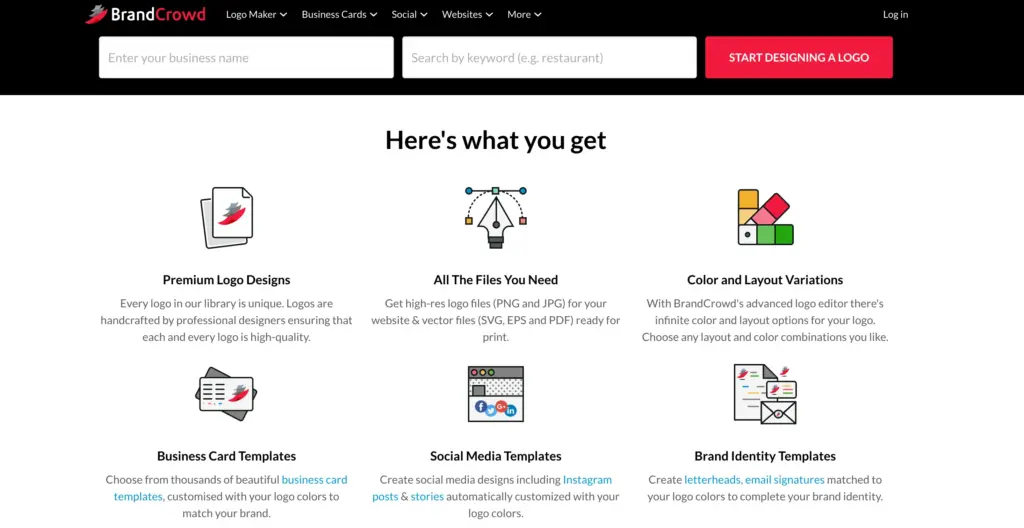
Printing and Delivery
Here’s another hidden gem: you can get your logo printed on items directly via BrandCrowd.
From apparel (t-shirts, caps) and office items (mugs, mousepads) to signage — BrandCrowd handles it all with free delivery included.
You don’t need to juggle between vendors or manually upload files. It’s handled seamlessly within your dashboard.
For a creator like me, constantly testing branding materials, this was an incredible time-saver.
BrandCrowd: Support, Language, and Currency Options
Customer service matters — especially for first-time creators. BrandCrowd’s email and chat support run 24/7. I tried both and received responses within an hour.
Plus, you can:
- Create voting polls to gather feedback
- Save favorite logos for editing later
They’ve also localized the experience:
Available in English, Spanish, French, German, Portuguese, Canadian French, and Brazilian Portuguese.
It accepts payments in:
USD, AUD, GBP, EUR, INR, PHP, BRL, MXN, and ZAR – covering nearly every major region.
Extended Licensing Offered By BrandCrowd
This part really impressed me. BrandCrowd offers Extended Licenses, where you can purchase exclusive rights to your chosen logo — removing it from their library completely.
Unlike most logo makers, you get true ownership, not just usage rights. This is perfect for serious brands planning to trademark their logo globally.
Also Read:
Jitendra’s Final Verdict ([Year])
After days of testing, exploring, and customizing logos with BrandCrowd, here’s my honest conclusion:
BrandCrowd isn’t just a logo maker — it’s your entire brand-building partner.
It’s the ideal choice for anyone who wants agency-quality designs without paying agency prices.
With hundreds of thousands of professional templates, AI assistance, extended licensing, and round-the-clock support, BrandCrowd offers unbeatable value for both beginners and professionals alike.
If you want your brand identity built fast, safe, and beautifully, I’d say — go with BrandCrowd. It’s worth every second.
It helped me imagine how modern brands can look stunning without hiring designers.
In essence: BrandCrowd bridges the gap between professional quality and affordability.
It empowers entrepreneurs, solopreneurs, and startups to design, grow, and own their visual identity within minutes.
For me, and countless others, it’s not just another logo maker — it’s a revolution in branding.
