
Design.com is a great platform for building websites with ease. Its straightforward design tools and great support make it a solid choice for anyone wanting to create a website quickly. While it lacks some advanced features, it’s perfect for users looking for simplicity.
- AI-powered tools for logos, websites, and marketing materials.
- Unique designs with custom fonts and icons.
- Full ownership and extended licenses for logos.
- Free logos and design assets included.
- Fast, easy, and affordable design solutions.
- Requires an internet connection for editing.
Price: $0
In today’s digital world, branding is everything. Whether you are an entrepreneur just starting your business or an established company looking to revamp your identity, creating a unique and professional logo is essential.
And for small business owners, entrepreneurs, and anyone on a budget, Design.com is the go-to solution.
Offering a range of AI-powered design tools and a massive library of templates, Design.com is a game-changer for anyone who needs high-quality designs without the hefty price tag.
Design.com is recognized as the #1 logo maker in the world, trusted by thousands of small businesses globally. With a rating of 4.7 out of 5 stars and over 3,000 reviews, it is evident that this platform is loved by its users.
Whether you need a simple logo, a fully branded marketing campaign, or even a website, Design.com provides all-in-one design solutions.
In this comprehensive review, I’ll walk you through the features, benefits, and why Design.com is the best choice for entrepreneurs and small businesses looking for professional designs.
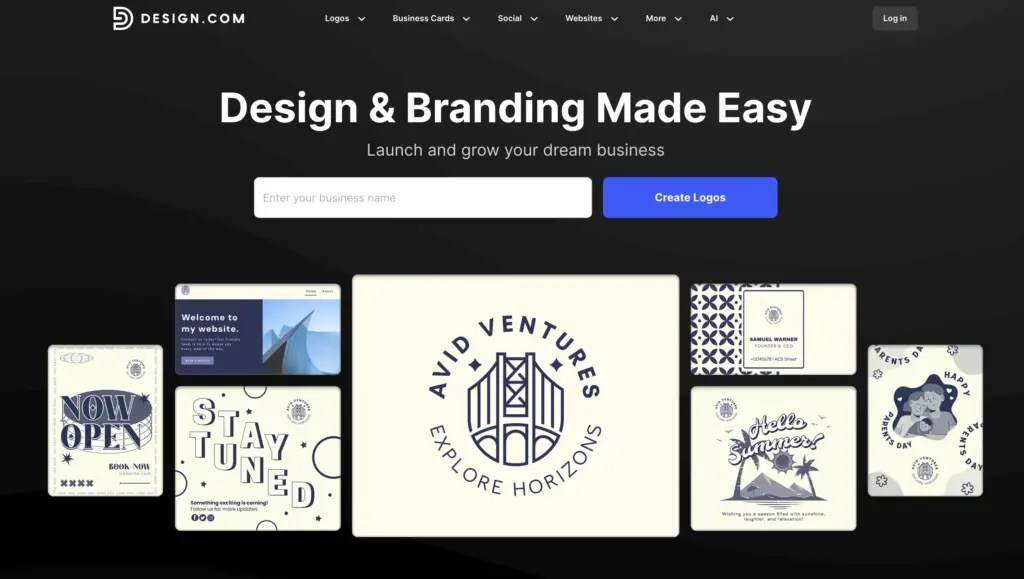
What Makes Design.com Stand Out?
1. The #1 AI Logo Generator in the World
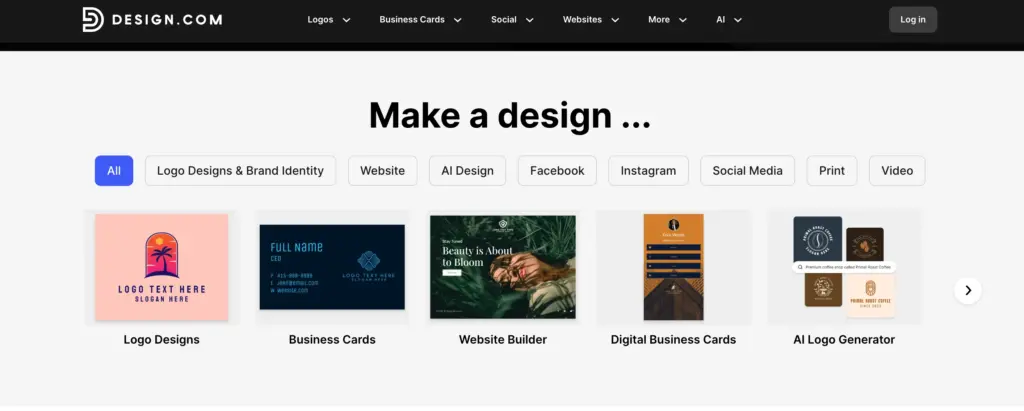
At its core, Design.com is powered by advanced AI tools that make it incredibly easy for anyone to create their own designs, regardless of their design experience.
One of the standout features is the AI logo generator, which has earned Design.com the title of the #1 rated AI logo generator in the world.
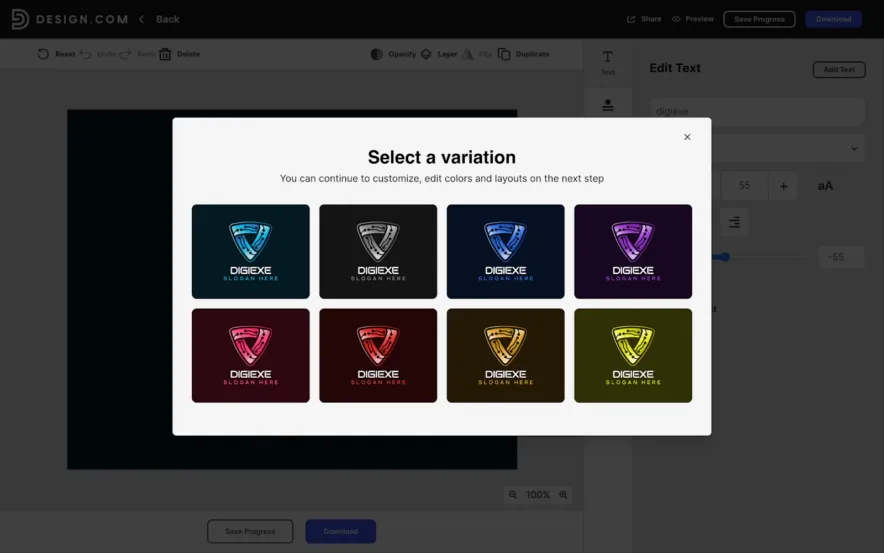
The AI logo generator guides you through a simple process: enter your business name, choose your industry, and select your design preferences (e.g., style, colors, icons). In seconds, the AI generates multiple logos to choose from.
This tool allows you to create a professional logo in just a few clicks—saving you time and money compared to hiring a graphic designer.
2. The World’s Largest Logo Template Library
Design.com boasts the largest logo template library in the world, with over 350,000 logo templates.
This means you have access to an unprecedented number of designs across a wide variety of industries, from tech startups to food and beverage brands.
Whether you’re looking for something minimalist, bold, or vintage, you’re sure to find a template that suits your business needs.
Moreover, the templates on Design.com are fully customizable. You can change fonts, colors, icons, and layout to make sure your logo perfectly matches your brand’s identity.
With so many options, you can find a template that works for you and tweak it until it’s perfect.
3. Advanced AI Design Tools
Design.com isn’t just about logos—it’s a complete AI design platform. Besides the AI logo generator, Design.com offers an impressive range of design tools to create everything you need for your business. These include:
- AI Website Builder: Building a website is made simple with Design.com’s AI-powered website builder. It offers pre-designed templates that you can easily customize to suit your business needs. You don’t need coding knowledge to create a professional website.
- AI Business Cards: Design business cards that match your brand identity. Choose from a variety of templates and customize them to reflect your logo and brand message.
- AI Flyers & Posters: Need promotional materials? Design.com helps you create stunning flyers, posters, and brochures with easy-to-use AI design tools, perfect for marketing.
- AI Presentations: Whether it’s for client pitches, meetings, or conferences, Design.com’s AI presentation tool lets you create professional slides in minutes.
- AI Business Name Generator: If you’re struggling to come up with the right business name, this tool helps generate creative name ideas that fit your brand.
- AI Background Remover: For those needing to edit photos or create custom images, Design.com’s AI background remover tool can help remove unwanted backgrounds with just a click.
These tools make it easy for entrepreneurs and small businesses to create cohesive branding materials without hiring multiple professionals.
4. Unique, High-Quality Designs
Design.com offers unique designs that are created by professional designers from around the world. The logos available on Design.com are exclusive to the platform, meaning you won’t find them anywhere else.
This ensures your logo is one-of-a-kind, which is essential for establishing a memorable, professional brand identity.
Additionally, Design.com offers hundreds of exclusive fonts, thousands of exclusive icons, and customizable design elements.
This means you can create a unique logo and tailored marketing materials for your business. Whether you’re a tech startup, a restaurant, or a personal brand, Design.com has everything you need to stand out in a crowded market.
5. Extended Licenses for Exclusive Use
One of the most attractive features of Design.com is its extended logo licensing.
This means that you can remove your logo template from the library, ensuring that no one else can use the same design. For many entrepreneurs, this is a crucial feature, as it guarantees that their logo is exclusive to their brand.
In addition, with an extended license, you also get full commercial rights to your logo.
This makes it easy to use your logo across platforms—from websites to merchandise—without worrying about legal issues.
6. Free Design Options
For those just starting out, Design.com offers a free logo pack. This option is perfect for entrepreneurs on a tight budget who still want a professional-looking logo.
You can generate a logo, customize it, and download it in high-resolution and vector files, all without spending a dime.
The free logo pack includes essential files like SVG, PNG, and JPG, which can be used for social media, websites, and other digital platforms.
It’s a great way to test your logo on your audience without any upfront costs.
7. Commercially Safe Designs
One of the biggest concerns when creating a logo is whether it is legally safe to use. Design.com guarantees that all of its logos are 100% commercially safe.
Each logo undergoes rigorous checks for originality and quality, and they run plagiarism scans to ensure there are no trademark issues.
This means you can use your logo with confidence, knowing it won’t lead to any costly legal problems down the line.
One user review even mentions using the logo for merchandise and having zero issues, which is a testament to Design.com’s commitment to ensuring its designs are legally safe to use.
8. Easy-to-Use Editing Tools
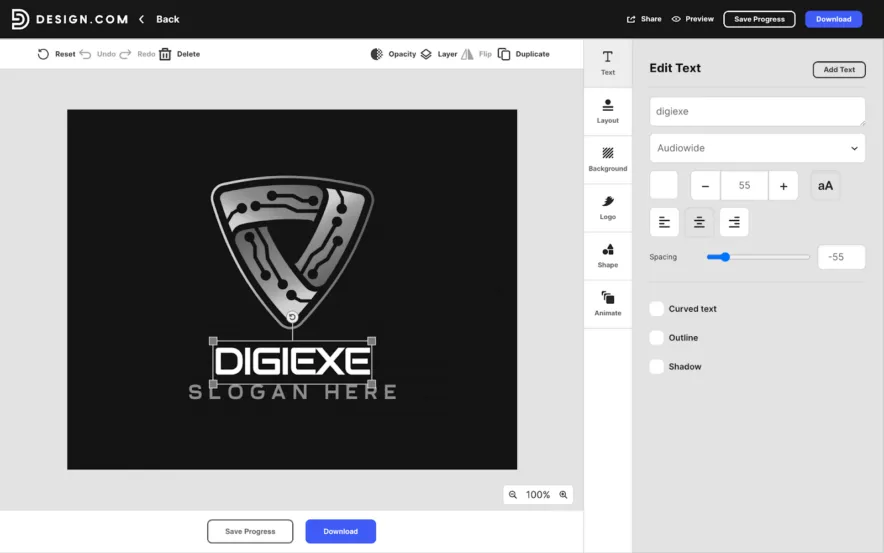
One of the best features of Design.com is how easy it is to use. You don’t need any prior design experience or software knowledge to create professional logos or marketing materials.
The platform provides an intuitive drag-and-drop interface that lets you adjust the fonts, colors, icons, and layout of your design.
The editing tools are user-friendly, allowing you to make changes quickly and easily. Whether you’re modifying a logo or creating a new business card, Design.com’s simple interface makes the entire process stress-free.
9. Extensive File Formats for Every Need
Design.com offers multiple file formats for downloading your logo, ensuring it can be used across a wide range of platforms.
Whether you need to print your logo on merchandise or use it on your website, Design.com has you covered:
- Vector files: SVG, EPS, PDF
- Raster files: PNG, JPG
- Animated files: GIF, MP4
- Icon-only option: For use as app icons or favicons
- Transparent background: Perfect for layering logos on different backgrounds
These file options give you the flexibility to use your logo in any situation, whether it’s for digital or print media.
10. 50+ Additional Design and Branding Tools
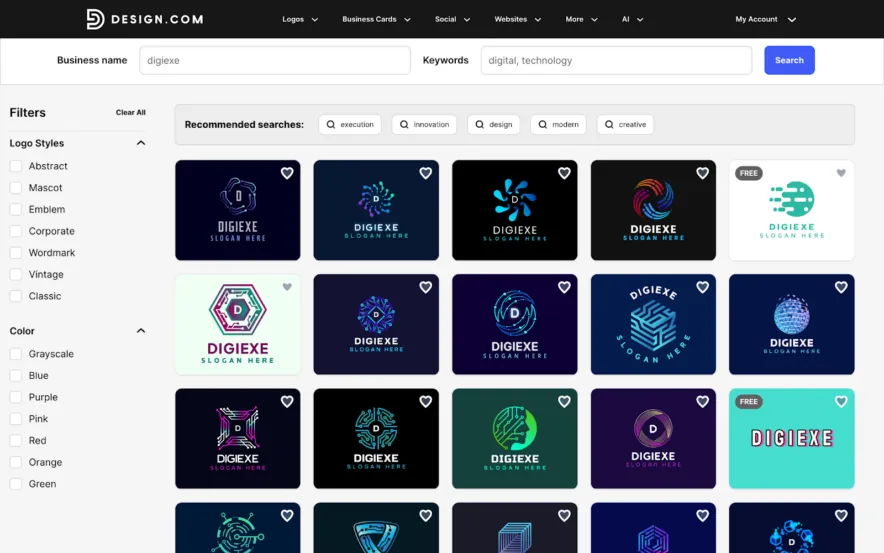
Design.com is more than just a logo maker. It offers 50+ additional design and branding tools to help you with every aspect of your business branding. These tools include:
- Websites: Create a professional website with customizable templates.
- Business cards: Design business cards that reflect your brand’s identity.
- Social media posts: Easily design engaging posts for Facebook, Instagram, Twitter, and other platforms.
- Flyers, posters, and presentations: Perfect for promotional events, sales, and business pitches.
- QR codes: Generate custom QR codes for your business or marketing campaigns.
These tools give you everything you need to build a complete and consistent brand identity.
11. Domain Name Registration and Printing Services
With Design.com, you can also register a domain name for your business along with your logo. This makes it easy to launch your website with the same branding from day one.
If you need physical products, Design.com allows you to print your logo on a variety of items, such as:
- Business cards
- Mugs and cups
- T-shirts and apparel
- Mousepads
You’ll also enjoy free delivery for all printing services, making it convenient and cost-effective to get your branding materials.
12. 24/7 Customer Support
Design.com understands the importance of support when it comes to creating your brand.
That’s why they offer 24/7 customer support, available through both email and chat.
Whether you need help with a design, file downloads, or have any other questions, the team is always ready to assist you.
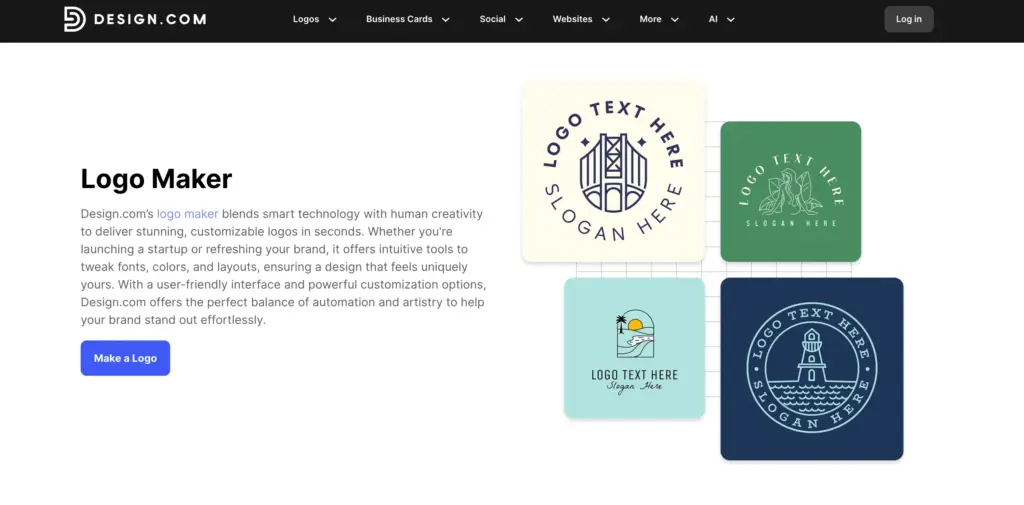
Which Plan is Right for You?
- Free Plan: Best for individuals or small startups who need a quick logo without spending money.
- $5/month Plan: Ideal for freelancers and small businesses who need a logo with extra branding tools like business cards and social media posts.
- $6/month Plan: Great for businesses that need both a logo and a website for a professional online presence.
- $9/month Plan: Suitable for businesses looking for flexibility in payments with the ability to cancel anytime, but with the same features as the annual plans.
- $24/month Plan: Best for businesses that require a comprehensive branding package with both a logo and a fully designed website, along with additional marketing assets.
Design.com offers a flexible range of packages that cater to different business sizes and needs, whether you’re just starting or looking to scale your brand professionally.
Also Read:
Conclusion: Why Design.com is the Best Choice for Entrepreneurs?
For entrepreneurs, small businesses, and startups, Design.com offers an unbeatable combination of affordability, high-quality designs, and user-friendly tools.
Whether you’re just starting out or looking to enhance your brand, Design.com gives you the flexibility and resources to create professional designs that help your business stand out.
With its AI-powered tools, large logo template library, and commercially safe designs, Design.com is a comprehensive, easy-to-use platform that saves you time and money. The free and paid options make it accessible to all business owners, regardless of their budget.
If you want to create a professional logo, business cards, websites, and more without the high costs of hiring a designer, Design.com is the solution.
It’s not just a logo maker – it’s a complete branding tool that supports you through every step of building your business identity.
Get started with Design.com today and see why it’s the world’s #1 AI design platform for entrepreneurs and small businesses!
