
Keap-initially known as Infusionsoft, has built a reputation as one of the most complete CRM and email marketing platforms for small and medium businesses.
- All-in-one CRM, automation, pipeline, email, SMS, and payments
- Intuitive interface with drag-and-drop workflow builder
- Powerful tag-driven automations and triggers
- Visual sales pipeline with automation actions by stage
- Email and SMS marketing under one roof
- Reliable payment/quote/invoicing features
- Higher starting price compared to simpler CRMs or email tools
- Most affordable plan still $159/mo (annual) and may price out microbusinesses
- Add-on costs for more users/contacts grow fast as your list scales
Price: $249
Marketing and business automation have become critical for any small business or solopreneur aiming to scale in 2025. As a result, platforms that combine CRM, email marketing, sales pipelines, scheduling, and automation under one dashboard, like Keap, are in high demand.
This Keap Review dives into features, automation, pricing, and all the practical pros and cons you should know before investing in Keap for your growing business.
What is Keap?
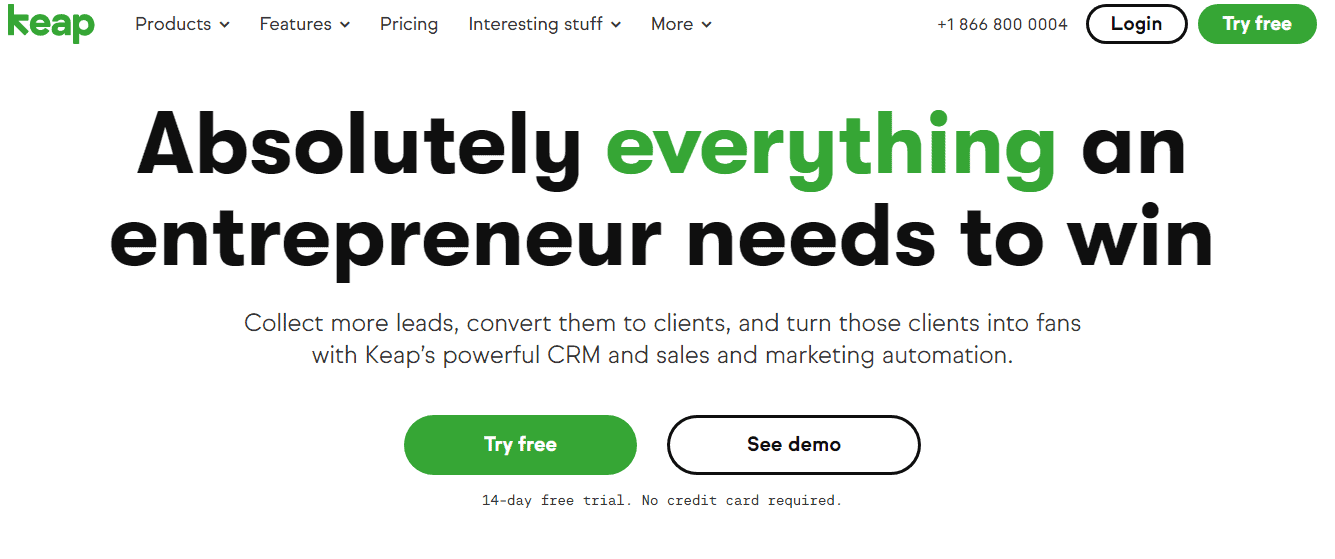
Keap is a business growth platform hosted in the cloud. It began as a tool for managing leads. Given that they’ve been in business for nearly a decade, it’s only natural that they’re one of the CRM industry’s top players.
In addition to CRM, Keap’s other notable features include email marketing, lead generation, and automation.
What is a CRM?
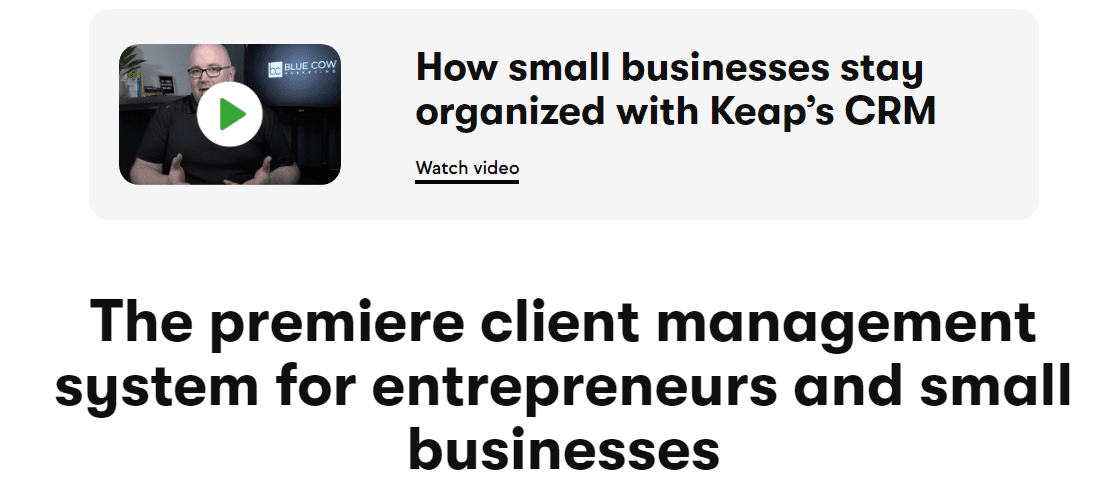
To comprehend Keap, one must comprehend its most well-known characteristic. Therefore, we will take a moment to explain CRM.
Customer Relationship Management is abbreviated as CRM. It is a type of technology designed to help you maintain positive customer relationships and manage your company’s interactions with current and potential customers.
By maintaining a connection with customers and interacting with potential customers, CRM increases your company’s profits, which is why it is an essential component of our Keap evaluation.
Some CRM tools permit the management of marketing and advertising campaigns, customer service, and e-commerce. Although most people associate CRM with sales and marketing, it can also be highly beneficial to customer service.
Many customers will use one platform, such as Twitter, to voice their initial complaint before contacting you via email or phone to resolve the issue privately. Your CRM tool can help you track the issue across all platforms.
CRM is the fastest-growing software category, so business owners must become knowledgeable about it.
Now, when we discuss Keap’s CRM features
How Easy is Keap to Use?
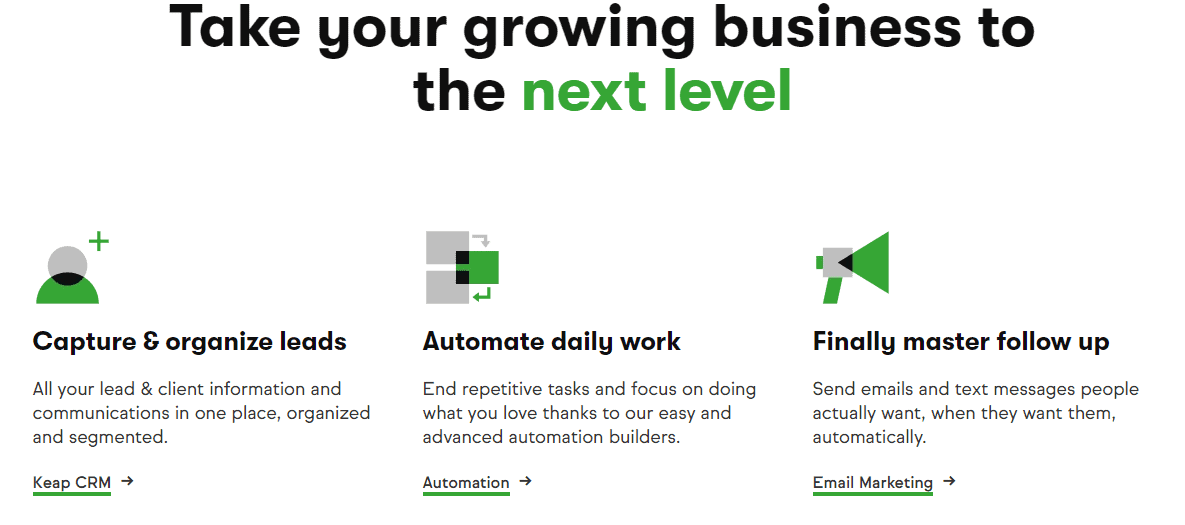
Some individuals reading this Keap review are less tech-savvy than others, and some have never used CRM or other marketing software. Therefore, highlighting Keap’s usability is essential to this Keap review.
The good news is that Keap is extremely user-friendly. Even on the first day of use, you should have little trouble navigating the application. Its user-friendly layout allows you to view all your information in a single location without needing to search.
I examined Keap’s user interface for this Keap review and discovered several in-app tutorials and chatbox tips that are helpful for new users. Still, it’s possible for even inexperienced users to figure it out on their own.
Several aspects of the user interface make it easy to navigate, including large font size, ample white space, and action buttons that are simple to locate.
During our research for this Keap review, we discovered that upon first use, Keap prompts you to add your contacts. You can either add them manually or upload them from spreadsheets or contact lists on Google, Quickbooks, or Mailchimp.
This is a straightforward procedure, and the only thing that will slow you down is an annoying pop-up question asking whether your contacts expect emails from your company. If you select “No,” you will not be able to email the contacts through Keap.
During my research for this Keap review, we discovered that only the more advanced automation features require some skill and knowledge. You’ll need domain expertise and skills to make the most of these features.
Keap Pricing Plans
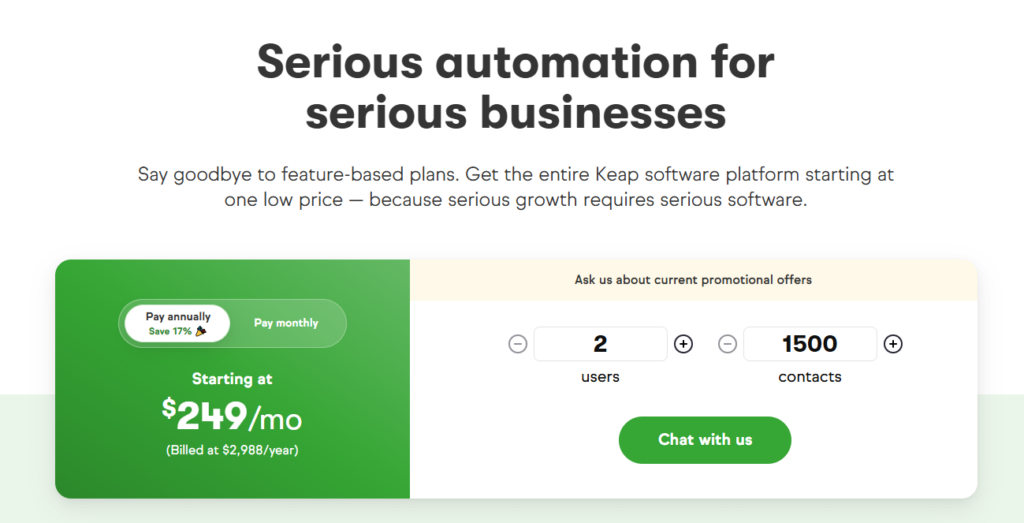
Keap now works on a scaling model instead of separate “Pro/Max” plans. The base price is $249/month (annual billing) for 2 users + 1,500 contacts, but the cost increases as you add more contacts or additional users.
- At 2 users + 1,500 contacts → $249/month (annual billing: $2,988/year)
- At 3 users + 2,500 contacts → $310/month (annual billing: $3,718/year)
- At 4 users + 4,000 contacts → $379/month (annual billing: $4,548/year)
Keap Customer Support
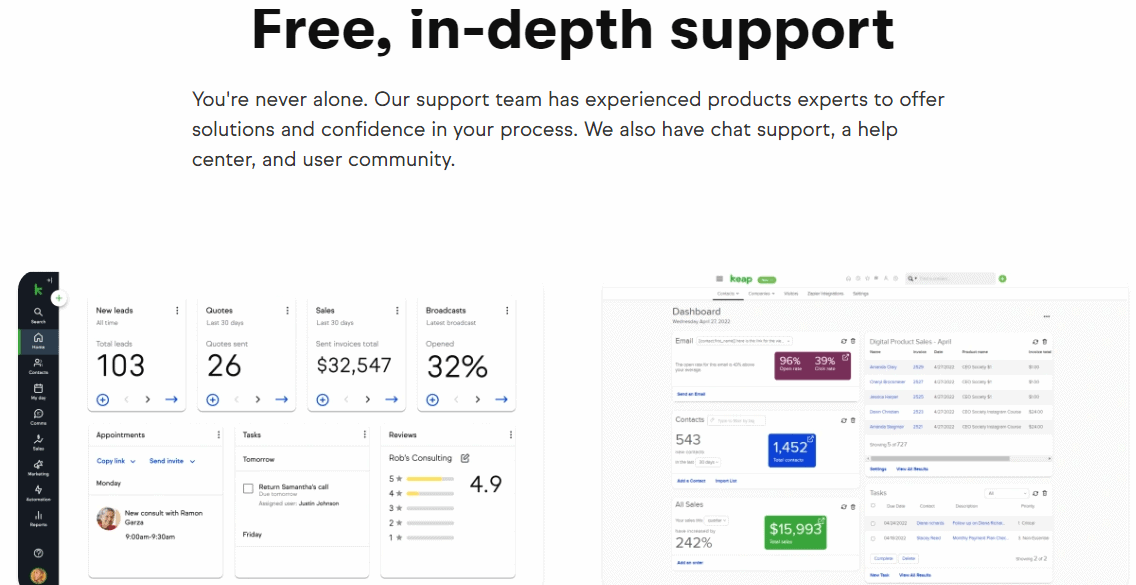
During our research for this Keap review, we discovered that they offer coaching. Regardless of the subscription plan you select, you can receive expert coaching for a one-time fee of $499.
This service includes daily training webinars, personalized support, and one-on-one coaching.
This is fantastic if you want to learn how to fully utilize Keap, or if you just want to ensure you have a thorough understanding of their services.
Additionally, Keap hosts numerous large-scale events to educate small business owners on new features and other aspects of their services.
Customer support is available in the following areas:
- 27/7 support regardless of plan, Phone support is available in the US, UK, and Australia
- They offer live online chat support on their website and app.
- Tutorial videos on their YouTube channel.
- A FAQ segment
- A community forum that quickly delivers useful answers
- And a blog that provides sales, marketing, business growth, management, and customer service advice.
How to Buy Keap’s Services
Obviously, if you’re watching this Keap review and you’re interested in acquiring their services, you’re curious about how to do so. Here is the method we recommend:
- Check out the website.Use the slider on the pricing page to select the number of contacts you have and obtain a price estimate. Read about the specifics of each plan, as they vary.
- Talk to a Keap representative. Create a list of specific questions, and then communicate with a Keap representative using that list. This will help you determine whether Keap meets your and your organization’s needs.
- Choose a plan. Regardless of the plan you select, you should sign up for a free trial. Fortunately, Keap does not require a credit or debit card to sign up, so you can sign up and begin using the platform immediately. During the trial, you do not have access to all of Keap’s services, but it is a good way to determine whether Keap is right for you before spending a lot of money. If you like Keap’s services after the trial, you can enter your payment information to continue using them.
Pros and Cons of Keap Review
Pros
- All-in-one CRM, automation, pipeline, email, SMS, and payments
- Intuitive interface with drag-and-drop workflow builder
- Powerful tag-driven automations and triggers
- Visual sales pipeline with automation actions by stage
- Email and SMS marketing under one roof
- Reliable payment/quote/invoicing features
Cons
- Higher starting price compared to simpler CRMs or email tools
- Most affordable plan still $159/mo (annual) and may price out microbusinesses
- Add-on costs for more users/contacts grow fast as your list scales
Keap vs. The Competition
Compared to dedicated CRMs like HubSpot or ActiveCampaign, Keap positions itself as a premium “all-in-one” for businesses that rely on automation, personalization, and follow-up. It’s less focused on massive enterprise sales teams and more on growth automation for SMBs that need a complete platform without multiple paid add-ons.
Compared to cheaper tools, Keap’s automation builder and payment module are much more robust — but the price can be substantial for smaller lists.
If your business depends on automating lead capture, follow-up, appointments, and payment all in one workflow, Keap delivers excellent value. If you only need basic CRM or email marketing, you may find it overkill.
FAQs on Keap Review
Q1. Is Keap beginner-friendly?
Yes, Keap is known for its easy navigation, abundant tutorials, and hands-on coaching. For advanced workflow automation, there’s a short learning curve.
Q2. Does Keap offer a free trial?
Yes, Keap offers a 14-day free trial. No credit card required and full access to most features.
Q3. Can I use Keap for e-commerce and payments?
Yes. Keap supports built-in payments, recurring billing, promo codes/upsells, and checkout forms for digital products, coaching, or services.
Q4. What kind of support does Keap provide?
Keap offers 24/7 chat, phone, and email support. There’s also an extensive help center, user community, and premium onboarding.
Q5. How does Keap's automation compare to others?
Keap stands out for visual, “no-code” workflow automation, deep trigger-based personalization, and a marketplace for templates.
Quick Links:
- WP Engine Coupon Code
- HostGator vs. WP Engine
- Pressidium Hosting Review
- ByteGain Review
- Pluralsight Coupon Codes
- Unbounce Review
Keap Review Conclusion 2026
Keap is an all-in-one CRM marketing solution for the majority of businesses, and the multitude of features discussed in this Keap review set them apart from other CRM software on the market.
Keap (formerly Infusionsoft) is, in my opinion, a very potent email marketing solution, and I’ve observed many successful companies using it for a variety of marketing and sales campaigns.
You can also reach them through Facebook, Instagram, LinkedIn, Twitter, YouTube, and Pinterest.
Keap is a great business marketing solution, which is why we were so excited to cover it extensively in this Keap review.
Despite being expensive enough to deter many business owners and having so many features that it can feel a bit overwhelming at times, Keap is a great business marketing solution, which is why we were so excited to cover it in such depth.
