

one.com gives new website owners a gentle and simple path online. With clear plans, built in tools, and free SSL, it helps you create and launch a site without stress. It is a friendly service for blogs, portfolios, and small company websites.
- Beginner friendly control panel
- Free SSL certificate included
- Solid uptime for simple sites
- Email accounts bundled with hosting
- Quick setup for new websites
- Fewer options for developers
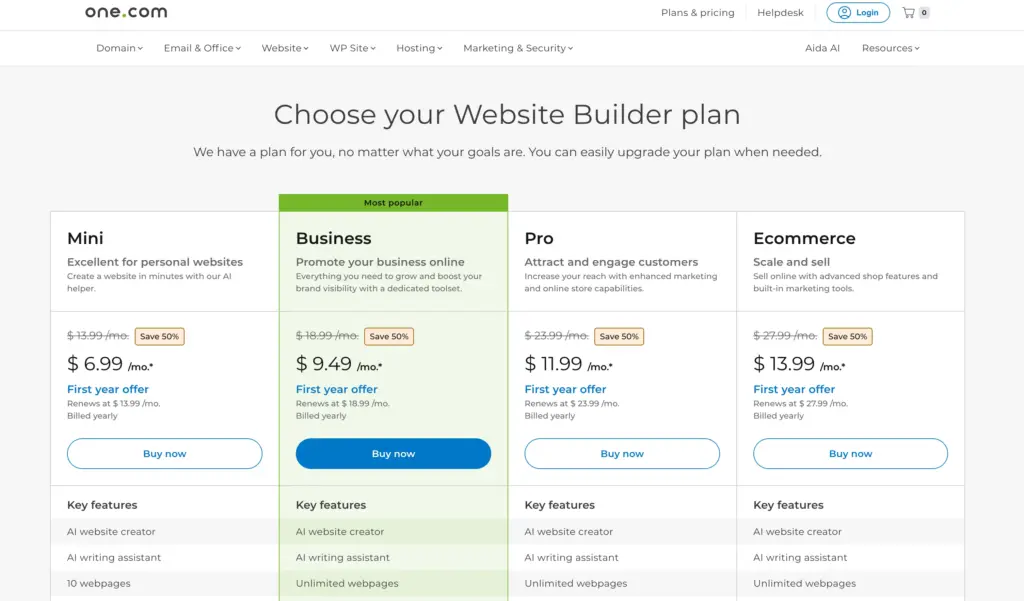
Price: $6.99
If you’re looking for a simple yet powerful way to start or grow your online business, one.com might be exactly what you need.
Known for its affordable hosting and beginner-friendly tools, one.com has evolved far beyond just a web host. Today, it offers a complete online solution — from AI-powered website building to WordPress hosting and VPS servers for advanced users.
At the heart of its offering is the AI Website Builder, designed to help anyone — even with zero technical skills ; create a professional website in minutes.
You get everything in one place: a free domain for the first year, hosting, business email, and easy-to-use design tools.
And for those who want to go further, one.com also includes options like Managed WordPress hosting for bloggers and developers, plus VPS hosting for growing businesses that need more speed and control.
So whether you’re launching your first personal website, setting up a small business, or scaling into eCommerce and advanced hosting, this in-depth one.com review covers everything: features, pricing, performance, and honest pros and cons — to help you decide if it’s the right platform for your online journey.
1. A Brief History: one.com’s Journey
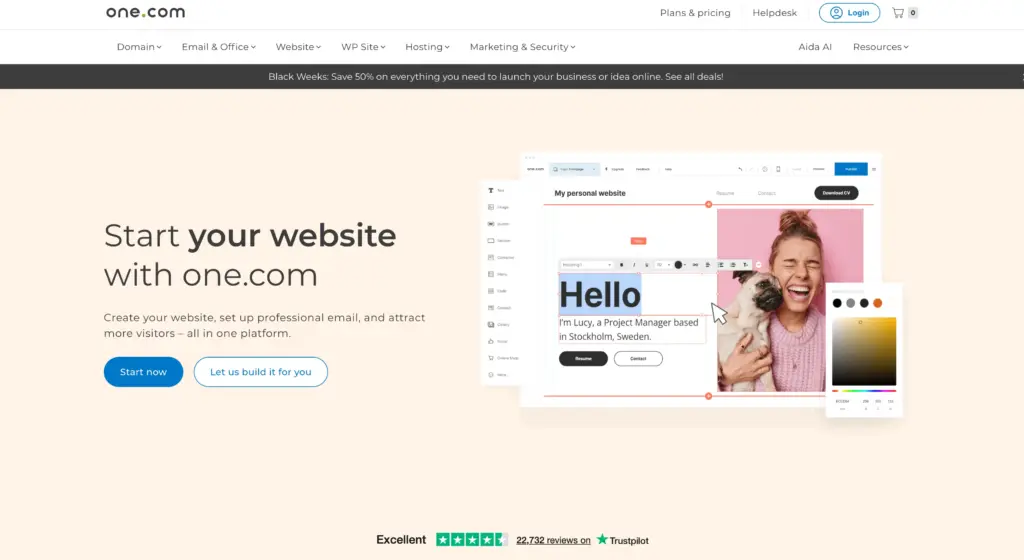
Let’s take a quick walk down memory lane. Founded in 2002 by Jacob Jensen in Denmark, one.com started as a small hosting outfit in Scandinavia and has since grown into one of Europe’s leading web hosts, hosting over 1.5 million websites in 149 countries.
The company now has offices in Sweden, Denmark, Germany, India, Dubai, France, Italy, the Netherlands, the Philippines, Spain, the UK, and the US. Definitely impressive.
In August 2021 they launched a Managed WordPress add-on that gives you access to additional plugins, optimized security, enhanced performance as well as priority support.
This ambition places them alongside other famous managed hosting providers such as GoDaddy, WP Engine, and Bluehost.
So the back-story checks out. They have scale. They have experience. But scale doesn’t always mean perfect in every detail (we’ll get to the caveats shortly).
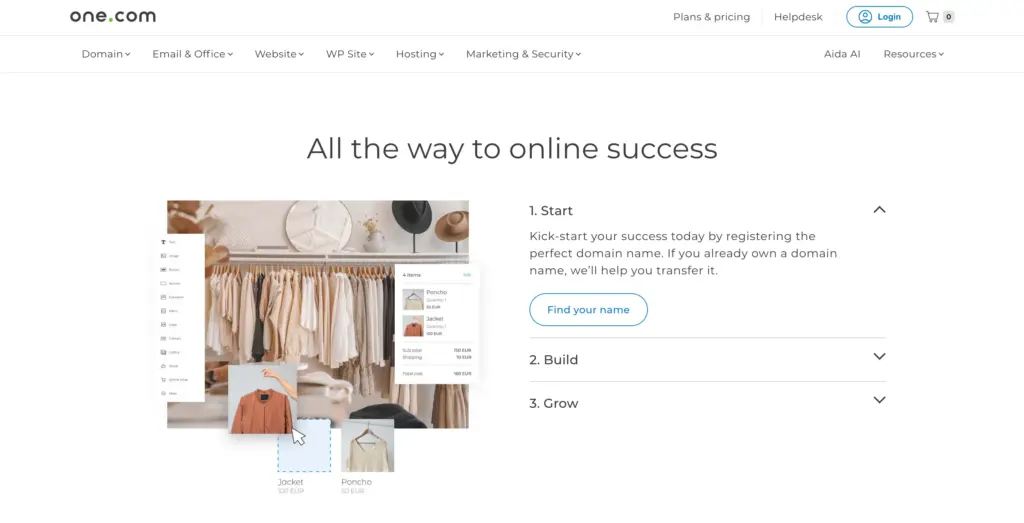
3. How You Can Use one.com’s Website Builder?
one.com’s Website Builder is designed so anyone can make a website — no coding, no design experience needed. Here’s how you actually use it, step by step, in simple words:
Step 1 – Pick a template
- You start by choosing from ready-made designs for different types of websites — like business, portfolio, online shop, or blog.
- Each template already has pages and layouts you can customize.
Step 2 – Use the drag-and-drop editor
- You can click and drag things like text boxes, images, buttons, videos, or forms directly onto your page.
- You can move things around easily — no coding or technical setup.
Step 3 – Add your own content
- Replace the sample text with your own words.
- Upload your images or use free stock images from the builder.
- You can add multiple pages (like Home, About, Services, Contact) and connect them through a simple menu editor.
Step 4 – Use AI to speed things up
- The AI Website Creator asks a few questions about your business and automatically builds a starting site for you.
- The AI Writing Assistant helps write text for pages (like “About Us” or product descriptions) — useful if you’re not confident with writing.
Step 5 – Check your mobile view
- Every template automatically adjusts for phones and tablets.
- You can preview and edit how your site looks on mobile directly in the editor.
Step 6 – Publish your site
- When you’re ready, you just click “Publish” — and your website goes live instantly with your chosen domain name.
- You can log in anytime later to edit or update your site — everything saves automatically.
Add extras (optional)
- You can activate a blog, connect social media buttons, or even add an online store (depending on your plan).
- Manage everything in one dashboard — website, email, and domain.
🌟 What Makes one.com Different from Other Builders?
Here are a few distinct points that make one.com’s Website Builder stand out from others:
- All-in-one setup
- When you buy a plan, you get everything in one place — website builder, domain name, email, and hosting.
- Other platforms often charge separately or need external hosting setup.
- Simplicity first
- The editor is much cleaner and easier than Wix or WordPress — fewer confusing menus, great for beginners.
- It’s focused on getting a working site online fast rather than offering hundreds of complex options.
- AI-powered start
- Unlike many basic website builders, one.com’s AI can create a first version of your website for you — based on your answers about what you do.
- This saves time and helps non-technical users get started.
- Responsive by default
- Every design automatically works well on phones and tablets — you don’t need to fix layouts separately.
- Every design automatically works well on phones and tablets — you don’t need to fix layouts separately.
- Built-in email and domain management
- You can manage your website, domain name, and business emails from one dashboard — this is rare in most builders (e.g., with Wix or Squarespace, you often manage domain/email separately).
- You can manage your website, domain name, and business emails from one dashboard — this is rare in most builders (e.g., with Wix or Squarespace, you often manage domain/email separately).
- Affordable entry point
- The first-year pricing is much cheaper than most competitors, making it budget-friendly for beginners or small businesses.
- The first-year pricing is much cheaper than most competitors, making it budget-friendly for beginners or small businesses.
- European-based simplicity and reliability
- one.com focuses on privacy, data security, and GDPR compliance — which can be a key plus for European users.
5. What Is one.com WordPress Hosting?
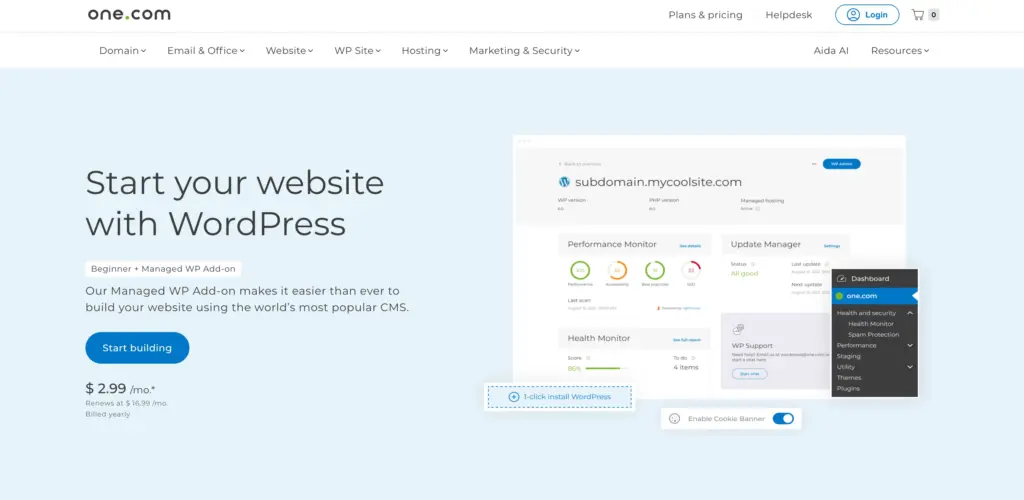
When people mention “WordPress hosting” these days, they might mean anything from shared hosting with WordPress installed to full-blown managed services. In the case of one.com, the offering is quite user-friendly:
- They support WordPress installations and have a dedicated WordPress-hosting tier.
- Their “Managed WordPress” add-on layers on top extra features (updates handled, priority support, security tweaks).
- They aim at beginners, freelancers, and small agencies rather than massive enterprise sites.
Because of this, it’s good for clients, small business websites, blogs, portfolios — maybe less so for high-traffic ecommerce monsters (we’ll discuss performance further).
When you’re reading this one.com review, keep in mind: this is not necessarily “top-tier enterprise hosting”, but rather “very good, easy-to-use hosting that doesn’t break the bank”.
7. Performance of one.com WordPress Hosting (Based on 2024/25 Data)
Performance is a big concern (because if your site is slow, you lose visitors, credibility). So how did one.com do?
- In some recent tests: Uptime over a 30-day window was 100%. (At least according to a monitoring test cited.)
- Average response time around 212 ms in Europe for the tested WordPress theme.
- Google PageSpeed on an optimized site got 99/100 in one test. That’s solid.
On the other hand: Some reviewers report that at heavier traffic loads or when targeting far-away regions, performance hits get noticeable. For example, one review said:
“My average page speed was pretty good… but the server response time was still slow.”
And another: “GTmetrix rated speed performance … with a D (55 %)” in older tests.
My takeaway: For typical small-to-medium sites (especially Europe-based), one.com offers good enough performance. If you are building a massive multi-regional ecommerce site or have extremely tight latency demands, you might consider other hosts.
VPS Pricing Breakdown — Which Plan Fits You Best?
All VPS plans are billed monthly, with promotional first-month discounts. After that, they renew at regular rates.
| Plan | vCPU | RAM | Storage | Bandwidth | First Month | Renewal | Best For |
| Cloud Server S | 2 | 4 GB | 100 GB | 100 Mbit/s | $4.99 | $11.99 | Small projects, dev testing |
| Cloud Server M | 4 | 8 GB | 200 GB | 100 Mbit/s | $9.99 | $20.99 | Growing websites, freelancers |
| Cloud Server L | 8 | 16 GB | 400 GB | 200 Mbit/s | $17.99 | $35.99 | Best value for agencies |
| Cloud Server XL | 12 | 24 GB | 600 GB | 250 Mbit/s | $19.99 | $48.99 | Ecommerce or app hosting |
| Cloud Server XXL | 16 | 32 GB | 800 GB | 250 Mbit/s | $29.99 | $61.99 | Heavy workloads & large-scale apps |
💡 All plans include 24/7 support and optional Plesk or backups.
Which VPS plan should you pick?
- S plan — great for testing, staging, or hobby projects.
- M plan — for small businesses or developers hosting a few sites.
- L plan — the sweet spot for agencies handling client projects.
- XL plan — robust enough for online stores and databases.
- XXL plan — best for demanding workloads like SaaS or resource-heavy apps.
And since you can scale up anytime, there’s no risk in starting small.
VPS Ease of Use, Control, and Add-Ons
Even though VPS hosting can sound intimidating, one.com keeps things beginner-friendly.
You can set up your VPS in three simple steps:
- Select your configuration (S–XXL).
- Choose your operating system (Linux or Windows).
- Add extras like Plesk or daily backups if needed.
Then, use the web console in the one.com control panel to manage it. You can run commands, manage files, and restart your VPS — all from your browser.
And if you’d rather not handle maintenance yourself, there’s an option for Managed VPS, where one.com pre-installs, updates, and secures everything for you.
9. Control Panel & Ease of Use
When I review hosting, I always think: “Is this something I’d recommend to someone who’s not super tech-savvy?” one.com scores well here.
- They use their own control panel (rather than cPanel). Some might like cPanel more for familiarity, but their panel is clean, straightforward, and less cluttered.
- Setting up WordPress is simple — one-click install, plus the managed add-on helps.
- For beginners, the onboarding and UI are less intimidating than many traditional hosting providers.
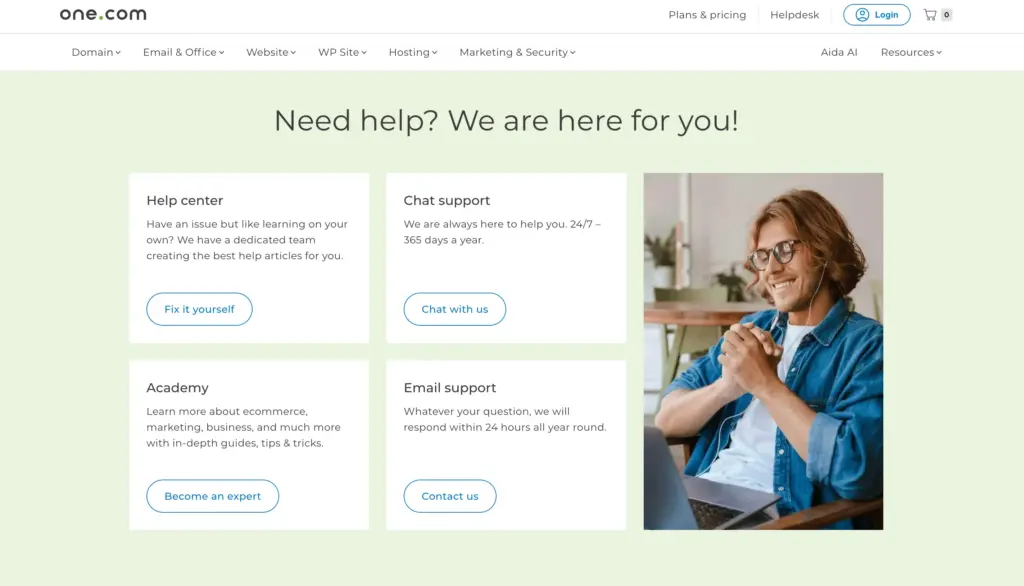
- In the user reviews, many mention how easy it was to navigate the dashboard, tweak settings, and manage the site.
If you’re building websites for clients, or you’re yourself not a hardcore server geek — this kind of usability is a real plus.
11. What People Are Saying About one.com?
It’s always smart to check both expert reviews and real-user feedback.
Positive feedback:
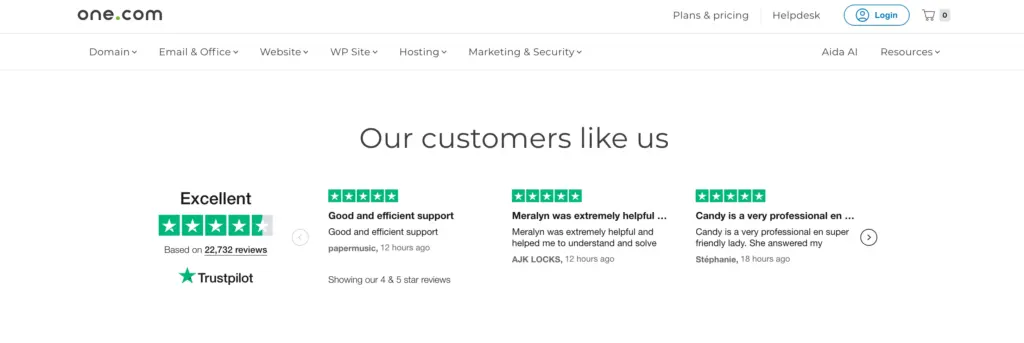
- The ease of use, pricing, features all come up positively.
- Good value for money, especially for beginners.
- Some users highlight consistent uptime and stable hosting.
Negative feedback:
- Complaints about renewal price hikes. For example;
“They keep raising the prices … now it costs over £120 a year” - Issues with domain management or cancellation processes.
- Some performance concerns for heavier traffic.
- Mixed reviews overall: On SiteJabber one.com had very low scores (1.3 stars) in certain recent user feedback.
My takeaway: There’s no perfect host. one.com has a lot of advantages. But also you’ll want to be aware of renewal policies, and ensure your plan fits your future growth expectations.
12. one.com Alternatives to Consider
Because no single hosting solution suits everyone, it’s wise to compare. If you’re looking at one.com, you might also consider:
- Kinsta: Premium managed WordPress hosting powered by Google Cloud. Higher cost, stronger performance.
- Cloudways: A cloud-based managed hosting platform where you pick your infrastructure (DigitalOcean, AWS, etc). More flexibility.
- Rocket.net: Managed WordPress hosting built on Cloudflare’s network, strong speed, higher price.
If you prioritise budget + ease of use, one.com is very competitive. If performance or scaling are your top priorities, maybe consider one of the above.
13. Should You Host on one.com?
Here’s where we bring it all together. Based on this one.com review: yes, I believe one.com is a good managed WordPress hosting provider — especially for a certain kind of user. Here’s when it makes sense:
Great fit if you are:
- A freelancer or agency building small-to-medium WordPress sites for clients.
- A small business owner with limited budget who wants decent performance + ease of use.
- Someone who values simplicity, concise interface, all-in-one solution.
- Based in Europe (or targeting Europe) so that server latency is favourable.
Might be less ideal if you are:
- Running high-traffic, global ecommerce site or web application.
- Looking for highly customised server architecture, extensive scaling, or global data-centre flexibility.
- Very sensitive to marginal load-time improvements and willing to pay more for top performance.
In my view, if I were picking a host today for a standard WordPress business site, one.com would be among my top contenders — mostly because of the value.
The price to features ratio is strong. The usability is clean. It hits the sweet spot for many users.
If your needs grow, you can always migrate later — but starting with something good and affordable makes sense.
Quick Links:
FAQs
Is one.com good for WordPress?
Yes — one.com supports WordPress installations, offers a Managed WordPress add-on, and provides common features like automatic updates, security monitoring, caching/CDN, so you can build a WordPress site with it.
How fast is one.com hosting in real life?
In tests, one.com achieved response times around ~200 ms and near-perfect PageSpeed results when optimized. However, some users report slower speeds under higher loads or for non-Europe audiences.
What are the renewal prices at one.com like?
Some users report that renewal rates are significantly higher than the introductory rate. That’s common in hosting, so it’s wise to check renewal terms before you commit.
Does one.com offer VPS or dedicated hosting?
Is support good with one.com?
Support is decent — multilingual live chat, email, has good user feedback in many cases. But depending on situation you might find limitations (phone support, escalation, etc).
Final Thoughts
So here we are the wrap-up of this one.com review. If you’re wondering “should I pick one.com for my WordPress website?”, here’s the bottom line:
one.com offers excellent value. The price is competitive, the features are rich, and the onboarding and usability are strong. It ticks almost every box for someone building a standard WordPress site, especially in Europe, on a budget.
That said… It’s not flawless. If your site has high traffic, global reach, ultra-tight performance requirements, or you want full server control, you’ll want to consider the premium alternatives I mentioned. Also, be mindful of renewal pricing and plan scalability.
Personally: I’d pick one.com for many client sites I build today. It gives me the peace of mind that things “just work,” without breaking the bank. And as the developer/freelancer, I can focus on my clients and content rather than server headaches.
If you like, I can do a side-by-side comparison of one.com vs a few alternatives (e.g., Kinsta, Cloudways, Rocket.net) specifically for freelancers/agency setups. Would you like that?
