
Last week, I got a text from my cousin asking why she kept seeing ads for baby strollers. She’s not pregnant. She’s not even thinking about kids right now. But she’d Googled “best cribs” once… just once… as a gift idea for her sister.
Now every website she visits is convinced she’s expecting. That’s the internet we’re living in right now. Your browser is basically a snitch, ratting you out to advertisers, data brokers, and anyone else willing to pay for your information.
But here’s the thing most people don’t realize: you don’t have to accept this as normal. The best anonymous browser can stop the tracking, block the surveillance, and let you browse the web without feeling like you’re being watched through a one-way mirror. And in 2026, you’ve got more options than ever.
Let me walk you through the best anonymous browser that actually protects your privacy… and the ones that just pretend to.
Why Your Regular Browser Is Selling You Out
Before we dive into solutions, let’s talk about the problem.
You know how Chrome has that cute little incognito icon? The one that makes you feel all sneaky and protected? Yeah… about that. Incognito mode doesn’t make you anonymous. Not even close.
All it does is stop your browser from saving your history locally. That’s it. Your internet provider can still see everything you’re doing. Google knows exactly where you’ve been. Advertisers are still tracking you across websites. It’s like putting on sunglasses and thinking you’re invisible.
Modern tracking is way more sophisticated than cookies. Websites now use something called “browser fingerprinting” to identify you. They look at your screen resolution, installed fonts, time zone, language settings, and dozens of other tiny details that combine into a unique signature.
Even if you clear your cookies every five minutes, they can still recognize you. That’s why you need a real anonymous browser. Not just a privacy mode in Chrome. An actual browser built from the ground up to protect your identity.
What Makes a Browser Truly Anonymous?
Let’s get specific about what we’re looking for here. A truly anonymous browser does three things really well:
Blocks tracking at the source. It stops websites from loading tracking scripts in the first place. No second chances, no “please accept our cookies” popups… just blocked.
Masks your digital fingerprint. It makes your browser look generic and indistinguishable from millions of other users. Your screen resolution? Common. Your installed fonts? Standard. Your system details? Nothing special.
Hides your real IP address. Whether through built-in routing or easy VPN integration, it keeps your actual location and internet provider hidden.
Anything less than that? You’re not really anonymous. You’re just… slightly less visible. Now let’s look at the browsers that actually deliver on these promises.
11 Best Anonymous Browser
1. Tor Browser
If you’re serious about staying anonymous online, Tor is where you start.
The Tor Browser routes all your traffic through a network of volunteer-run servers scattered across the globe. Your data gets encrypted multiple times, bouncing through at least three different nodes before reaching its destination.
Think of it like this: instead of walking straight to a store, you’re taking a route through three different neighborhoods, changing your outfit at each stop, so nobody can trace you back to where you started.
It’s the browser journalists use in authoritarian countries. It’s what activists rely on when their safety depends on anonymity. And yes, it’s also how you access the dark web (though that’s not why most people use it).
What makes Tor special:
- Routes traffic through encrypted nodes worldwide
- Blocks browser fingerprinting automatically
- No tracking, no telemetry, no data collection
- Free and open-source
- Built on Firefox’s code, so it’s familiar to use
The downsides:
- Noticeably slower than regular browsers (all that encryption takes time)
- Some websites block Tor traffic or make you solve endless CAPTCHAs
- Not ideal for streaming video or downloading large files
- Can feel clunky for everyday browsing
I use Tor when I’m researching sensitive topics or accessing sites that might flag my activity. But for checking email or scrolling social media? It’s overkill.
Best for: Maximum anonymity, sensitive research, bypassing censorship, accessing the dark web safely.
2. Brave Browser
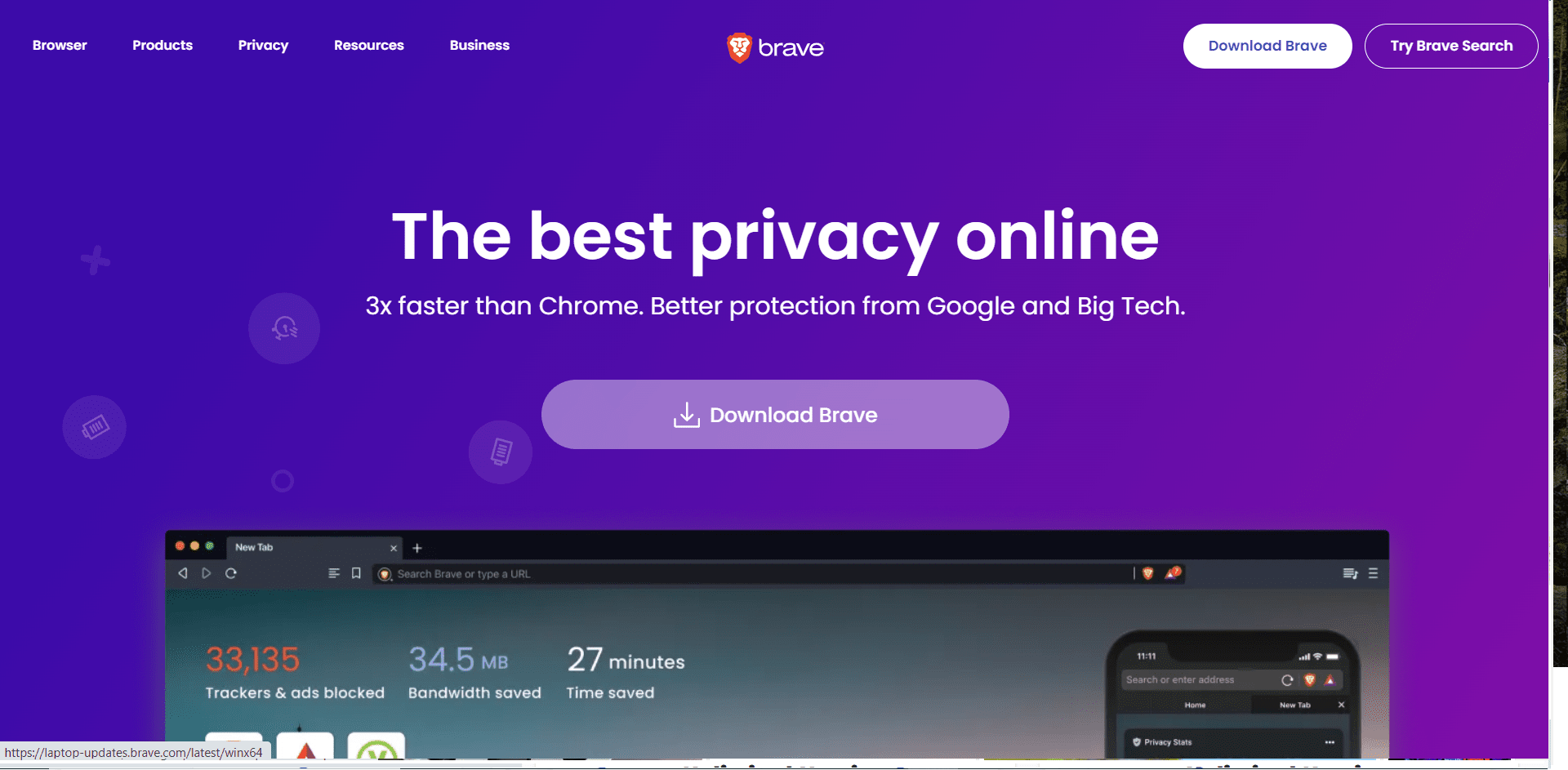
Brave is what you get when someone takes Chrome, strips out all the tracking, and adds privacy features by default.
It looks familiar. It feels fast. And it blocks ads and trackers without you having to configure anything.
I recommended Brave to my dad last year, and he’s been using it ever since. He didn’t have to learn new shortcuts or figure out complicated settings. It just works.
What makes Brave solid:
- Blocks ads and trackers automatically
- Built-in HTTPS upgrading (forces encrypted connections)
- Fingerprinting protection
- Tor integration (you can open Tor windows directly in Brave)
- Rewards system (optional – earn crypto for viewing privacy-respecting ads)
The trade-offs:
- Based on Chromium, which some privacy purists distrust
- Collects minimal telemetry (can be disabled)
- The crypto rewards thing feels gimmicky
- Not as hardcore about privacy as Tor or Mullvad
Brave is the best anonymous browser for people who want privacy without changing their habits. It’s fast, familiar, and genuinely better than Chrome.
Best for: Everyday browsing with strong privacy, users transitioning from Chrome, people who hate ads.
3. LibreWolf – Firefox Without the Corporate Baggage
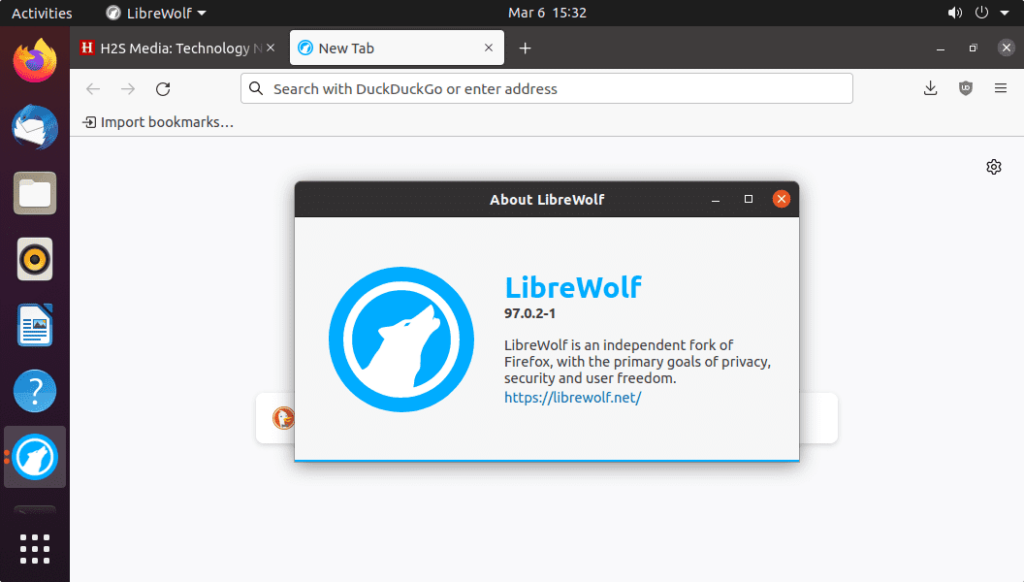
LibreWolf is Firefox… if Firefox actually cared about your privacy out of the box.
Mozilla has been making questionable decisions lately. Pocket integration, sponsored shortcuts, telemetry that’s enabled by default. LibreWolf takes the Firefox codebase and removes all that junk.
Why LibreWolf stands out:
- All Firefox telemetry disabled
- Enhanced tracking protection
- Fingerprinting resistance enabled by default
- No sponsored content or “recommended” links
- Regular updates that follow Firefox’s release schedule
The downsides:
- Breaks some websites that rely on tracking
- Manual installation (not in typical app stores)
- Slightly steeper learning curve than Brave
- Some Firefox extensions don’t work perfectly
I keep LibreWolf installed for when I want Firefox’s customization options without Mozilla’s data collection.
Best for: Firefox fans who want better privacy, users comfortable with some technical setup, people who hate telemetry.
4. Mullvad Browser – Tor’s Privacy Without the Tor Network
Here’s something most people don’t know: the team behind Tor helped create another browser.
Mullvad Browser takes all the anti-fingerprinting technology from Tor but connects you directly to the regular internet. It’s designed to work perfectly with a VPN (especially Mullvad VPN, though any good VPN works).
I started using Mullvad Browser a few months ago, and honestly? It’s become my default for anything privacy-sensitive that doesn’t require Tor’s extreme anonymity.
What Mullvad does well:
- Same fingerprinting protection as Tor Browser
- No telemetry or tracking whatsoever
- Works seamlessly with VPNs
- Faster than Tor since it doesn’t route through nodes
- Free to download and use
The limitations:
- Designed to be used with a VPN (not anonymous on its own)
- Some websites still trigger CAPTCHAs
- No built-in ad blocker (you’ll want to add uBlock Origin)
- Can break websites that rely heavily on JavaScript
If you’re already using a VPN and want Tor-level fingerprinting protection without the speed hit, Mullvad Browser is perfect.
Best for: Privacy-focused browsing with a VPN, avoiding fingerprinting, users who find Tor too slow.
5. Epic Privacy Browser – One-Click Anonymous Browsing
Epic takes a different approach: instead of requiring you to configure settings, it just blocks everything by default.
No history saving. No DNS cache. No third-party cookies. No autofill. Everything gets deleted when you close the browser.
What Epic offers:
- Built-in encrypted proxy (like a basic VPN)
- Blocks fingerprinting and tracking scripts
- No data retention whatsoever
- Simple one-click privacy
- Free to use
The catch:
- Smaller user base (less community support)
- Can break websites aggressively
- The built-in proxy isn’t as secure as a real VPN
- Less transparent about their privacy practices
Epic is fine for quick, private browsing sessions, but I wouldn’t make it my daily driver.
Best for: Quick private sessions, users who want zero configuration, temporary anonymous browsing.
The Browsers That Aren’t Actually Anonymous
Let’s clear something up real quick.
Chrome Incognito Mode is not anonymous. It stops saving history locally. That’s it. Google still tracks you. Your ISP still sees everything.
Firefox Private Browsing is better than Chrome, but still not truly anonymous. It blocks some trackers, but not all. And it doesn’t hide your IP address.
Safari Private Browsing has improved lately, but Apple still collects data. And it only works well within the Apple ecosystem.
Microsoft Edge InPrivate is basically Chrome Incognito with a different name. Same limitations.
If you’re using any of these thinking you’re anonymous… you’re not.
FAQs- Best Anonymous Browser 2026– Top 5 Picks for 2026
1. What is an anonymous browser?
An anonymous browser is a web browser that does not collect or store any personally identifiable information about its users. This means that your browsing history, cookies, and other data cannot be used to track you or identify you.
2. Why would I want to use an anonymous browser?
There are many reasons why you might want to use an anonymous browser. Maybe you're concerned about online privacy and don't want your browsing data to be collected and used by companies or governments. Or maybe you're trying to access a website that is blocked in your country. Using an anonymous browser can help you circumvent internet censorship and access the web freely.
3. What are the best anonymous browsers?
There are many anonymous browsers available, but some are better than others. We've compiled a list of the best anonymous browsers to help you choose the right one for your needs.
4. How do I use an anonymous browser?
Using an anonymous browser is easy. Just download and install the browser of your choice, and then start browsing the web. Your identity will remain hidden from prying eyes.
5. Are there any risks to using an anonymous browser?
There are some risks associated with using an anonymous browser. For example, you may accidentally reveal your real IP address if you're not careful. Additionally, some anonymous browsers are not as secure as others and may not protect your privacy as well as you'd like. Be sure to do your research before choosing an anonymous browser to ensure that it meets your needs and expectations.
Quick Links-
Conclusion- Best Anonymous Browser 2026– Top Picks for 2026
Here’s what I wish someone had told me years ago: You’re being tracked. Constantly. Across every website you visit, every search you make, every link you click. The good news? You can stop it.
The best anonymous browser for you depends on what you’re trying to protect. If you need absolute anonymity, use Tor. If you want strong privacy with normal speed, use Brave or Mullvad. If you’re on mobile, use DuckDuckGo.
But whatever you do, stop using Chrome in incognito mode and thinking you’re private.
Your data is valuable. Your privacy matters. And you deserve to browse the web without being surveilled, tracked, and sold to the highest bidder. Pick a browser from this list. Install it today. Start taking back control of your online life.
Because in 2026, privacy isn’t paranoia. It’s just common sense.
