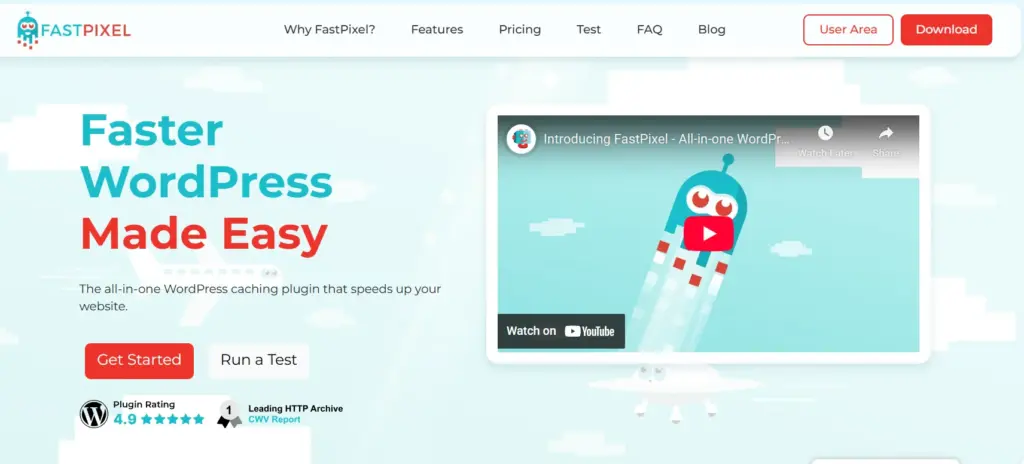
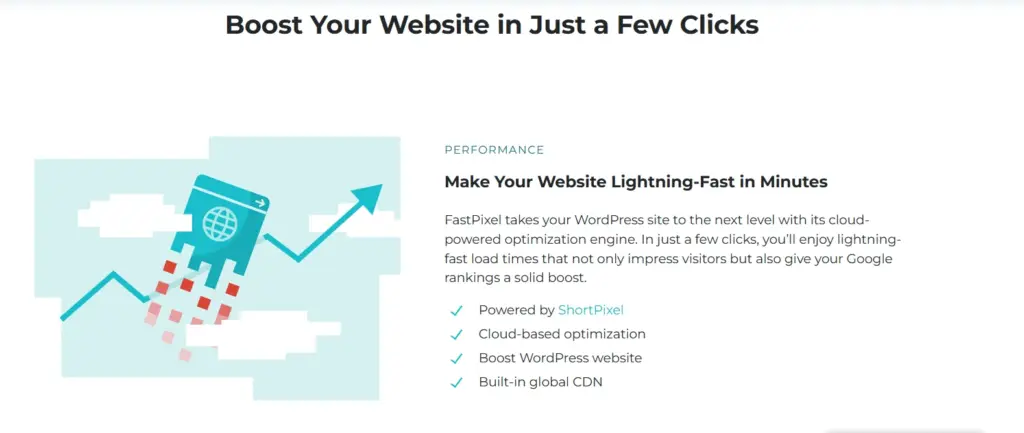
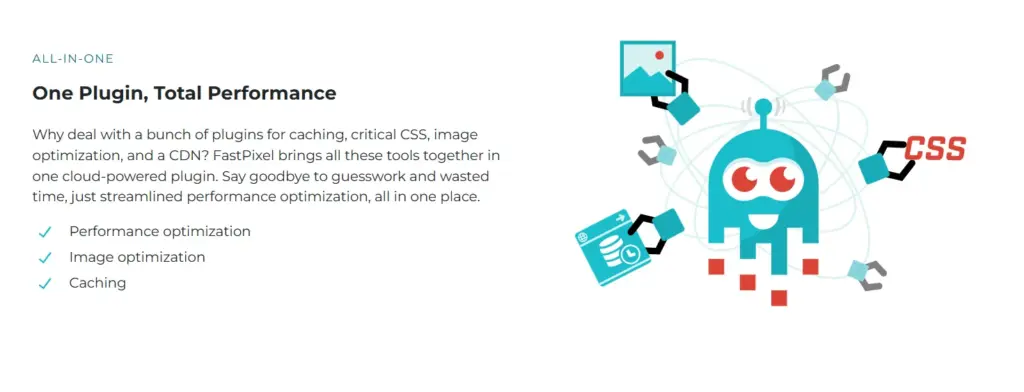
FastPixel is a powerful tool designed to enhance WordPress site speed by optimizing performance and reducing load times. If you’re looking for a reliable way to boost your website’s speed and user experience, FastPixel is the perfect choice.
Pros
Speeds up WordPress sites significantly.
Easy to install and use.
Improves overall website performance.
Reduces page load times for a better user experience.
Cons
May not work perfectly with all themes or plugins.
Hey everyone, it’s Jitendra Vaswani here, a full-time blogger and WordPress enthusiast who’s been running multiple sites for over eight years. I’ve dealt with slow-loading pages more times than I can count.
Frustrated visitors leaving, poor Google rankings, and lost sales on my affiliate blog. I’ve tried almost every optimization plugin out there – from WP Rocket to LiteSpeed Cache and even combinations of several tools.
But nothing prepared me for FastPixel. I’ve been using it personally on my main blog and a couple of client sites for the past few months, and honestly, it’s blown me away. It’s simple, powerful, and just works without me having to tweak a million settings.
In this detailed FastPixel Review, I’ll share my real experience, explain every major feature step by step, show before-and-after results from my own tests, and tell you why I think FastPixel is now my go-to recommendation for anyone serious about WordPress speed.
Why I Needed FastPixel – The Pain of Slow WordPress Sites
Before FastPixel, my blog was decent but not great. I had a heavy theme, lots of images from travel posts, and plugins for SEO, security, and forms. PageSpeed Insights gave me scores around 65-75 on mobile – not terrible, but not good enough for top rankings.
Load times hovered at 3-4 seconds, and bounce rates were higher than I’d like.
I knew speed mattered a lot:
Visitors hate waiting – most leave if a site takes more than 3 seconds.
Google loves fast sites and rewards them with better positions.
For my e-commerce side projects, slow pages meant fewer sales.
I tried stacking plugins: one for caching, one for images, one for minification. But they often conflicted, broke layouts, or required constant updates.
That’s when I discovered FastPixel, created by the same reliable team behind ShortPixel (which I’ve used for years to compress images). FastPixel promised an all-in-one, cloud-powered solution. I started with their free plan to test it on my blog.
What Makes FastPixel Different – My First Impressions
FastPixel isn’t just another caching plugin. It’s a complete cloud-based accelerator that handles everything automatically. You install it, activate it, and it starts optimizing your site in the background using their servers. No heavy load on your hosting.
Key things I loved right away:
Super easy setup – literally 1 minute.
Cloud processing means even cheap shared hosting feels fast.
Built-in ShortPixel tech for images, plus CDN delivery worldwide.
Automatic fixes for Core Web Vitals (those Google speed metrics).
After activating on my blog, I ran GTmetrix and PageSpeed Insights. Mobile score jumped from 72 to 95+. Load time dropped to under 1 second. I was shocked – and thrilled!
Features Of FastPixel That I Use Daily
Let me break down the main features with my personal experience.
Image Optimization and CDN
Images are the biggest slowdown on my affiliate blog. FastPixel uses ShortPixel’s engine to compress them losslessly, convert to WebP or AVIF (modern formats that are 30-50% smaller), resize for each device, and serve from a global CDN.
My experience: A single post with 20 high-res photos went from 4MB to under 1MB total. No visible quality loss! Lazy loading is smart too – images only load when visitors scroll. Plus, background images get optimized automatically.
JavaScript and CSS Optimization
FastPixel minifies code, generates Critical CSS (loads only what’s needed for the top of the page first), delays non-essential scripts, and combines files.
On my site: Tracking scripts and ads are used to block rendering. Now, content appears instantly, and extras load later. No more “render-blocking resources” warnings in PageSpeed.
Caching with Smart Layers
It has page caching, browser caching, and even serves “stale” versions during updates so visitors never see slow loads. During traffic spikes (like when a post went viral), my server stayed cool. No crashes!
Preloading, DNS Prefetch, and Font Optimization
It preloads key resources like fonts and important files. Fonts load asynchronously to avoid text flashes. My Google Fonts now appear instantly – no more layout shifts.
Lazy Loading with Smarts
Unlike basic lazy load, FastPixel waits for preloads to finish first. This improved my Largest Contentful Paint score dramatically.
Other bonuses: Cloudflare integration (auto-purges cache), and it cleans up without conflicts on my setup.
After months of daily use, FastPixel feels like a set-it-and-forget-it tool. It saved me hours of tweaking and gave pro-level speed without the hassle. If you’re tired of slow WordPress, conflicting plugins, or mediocre scores, give FastPixel a try.
Start free, test your site on their demo tool first if you want.
It’s made my sites faster, my visitors happier, and my blogging life easier. Highly recommended!
What about you? Have you tried FastPixel? Share your experience in the comments! 🚀
Affiliate disclosure: In full transparency – some of the links on our website are affiliate links, if you use them to make a purchase we will earn a commission at no additional cost for you - none whatsoever.
Diksha Garg
Hi, I’m Diksha! As a tech writer and SEO product reviewer, I’m obsessed with uncovering the latest technology trends and dissecting top-tier SEO tools. With a sharp eye for detail and a love for research, I craft in-depth, actionable reviews to empower businesses and individuals in choosing the perfect tools to supercharge their SEO strategies. Let’s navigate the dynamic world of tech and optimization together!