Webflow runs three separate pricing tracks, Site plans, Ecommerce plans, and Workspace plans, and which one you need depends on whether you’re building a marketing site, running a store, or managing a team.
Here’s the full breakdown of every tier, what’s actually included, and where the real jump in value happens.
📢 Note: Prices below reflect current annual billing rates. Monthly billing costs more across every plan.
What You’ll Learn:
Exact pricing for Site, Ecommerce, and Workspace plans
What’s included at each tier
How team seats and AI credits are priced separately
Where the biggest jump in value happens
Monthly vs annual savings across every plan
Which plan fits which stage of business
Webflow Pricing at a Glance
Plan Type
Tier
Annual Price
Best For
Site
Starter
Free
Testing and experimenting
Site
Basic
$15/mo
Simple sites, no CMS needed
Site
Premium
$25/mo
Content-rich sites, full CMS
Ecommerce
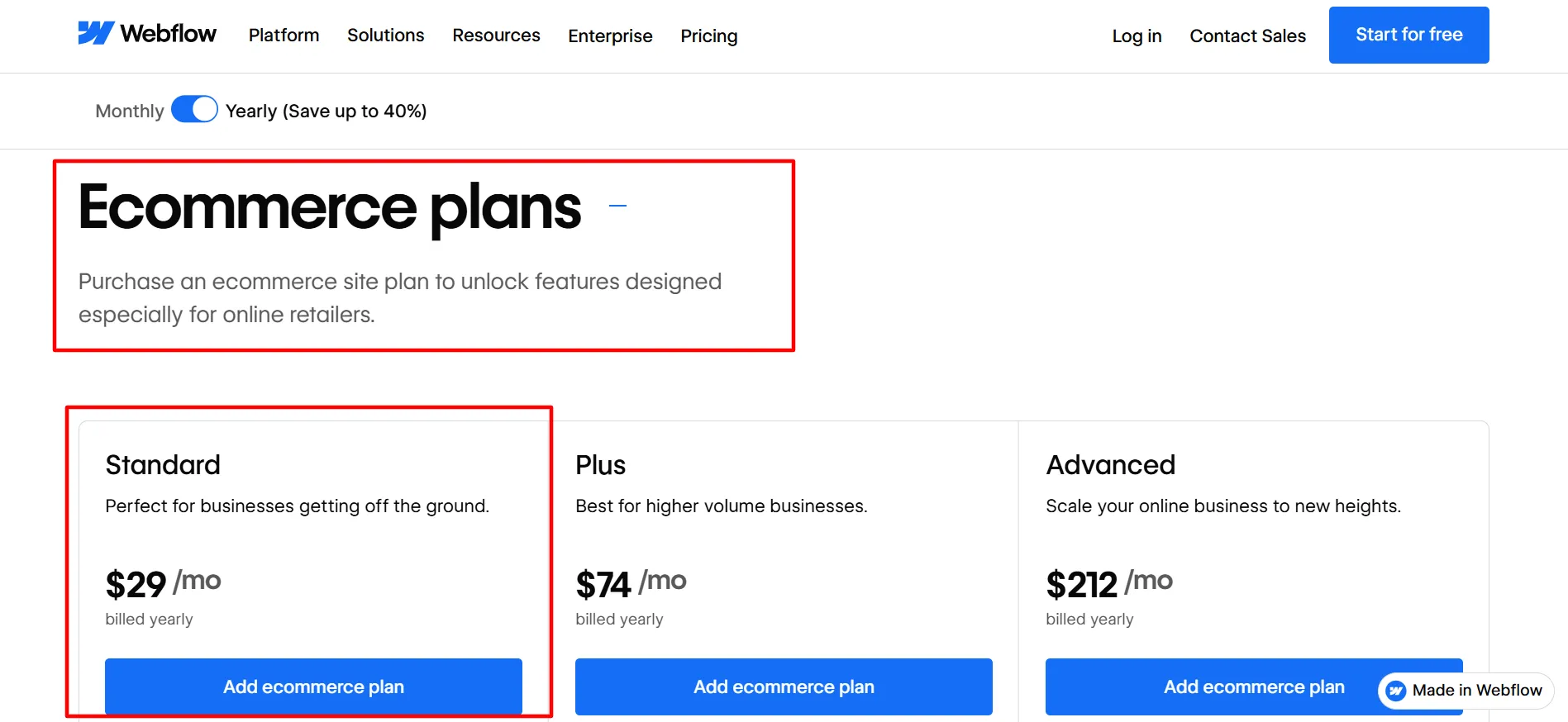
Standard
$29/mo
Businesses getting off the ground
Ecommerce
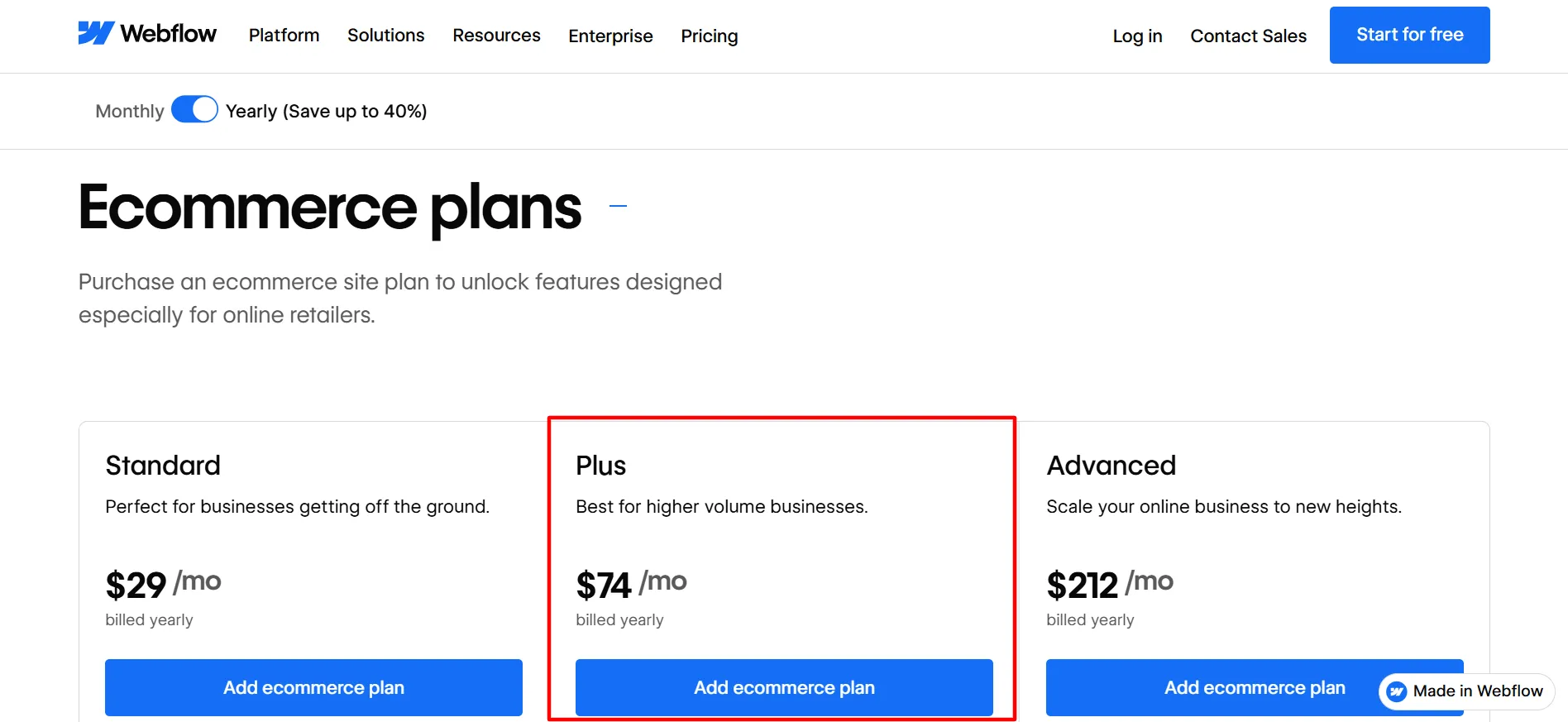
Plus
$74/mo
Higher volume businesses
Ecommerce
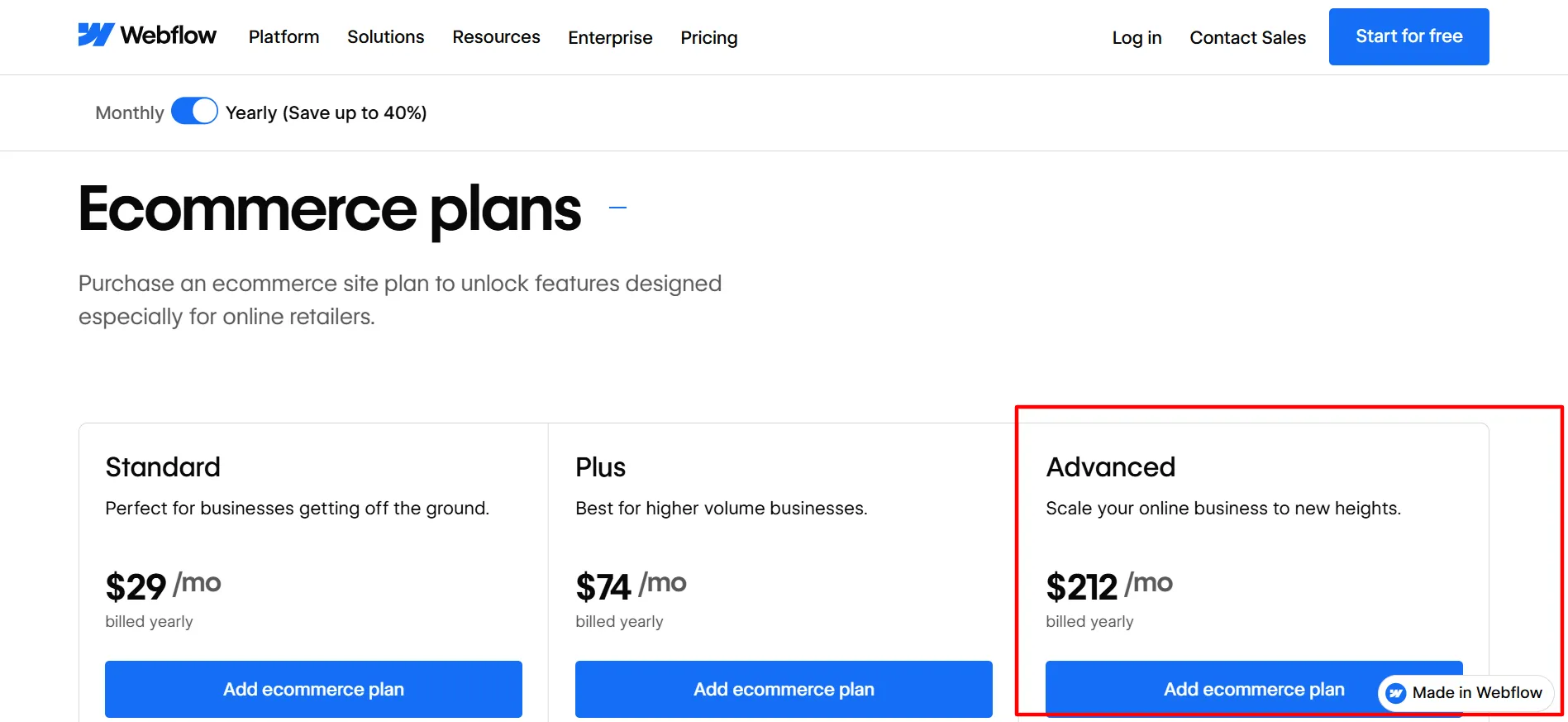
Advanced
$212/mo
Scaling online businesses
Workspace
Core
$19/mo
More staging needs
Workspace
Growth
$49/mo
Unlimited staging, advanced tools
Workspace
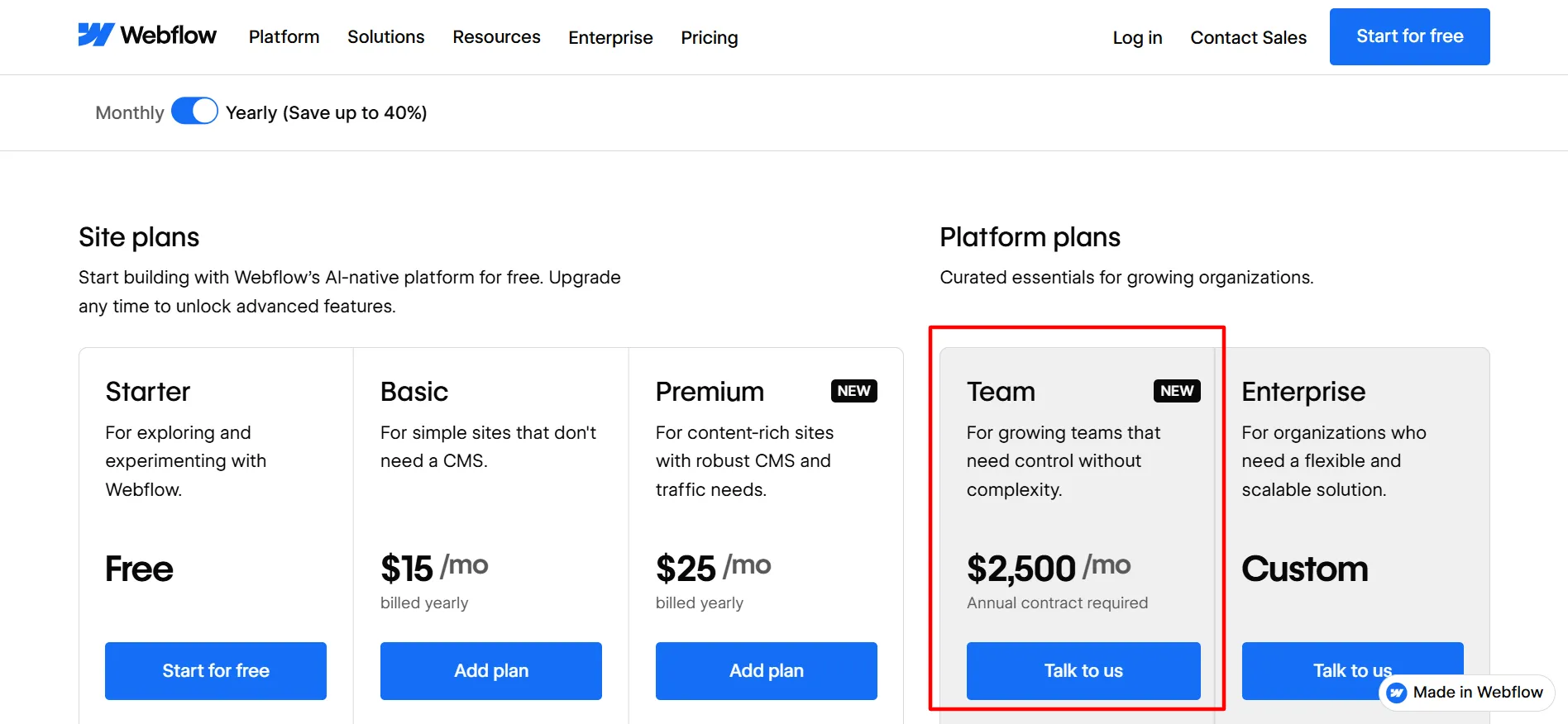
Team
$2,500/mo
Enterprise-grade collaboration
Every Webflow account includes a free Workspace plan by default. Site and Ecommerce plans are what actually power a published website; Workspace plans control your team’s tools and staging environments.
Site Plans (Building Your Website)
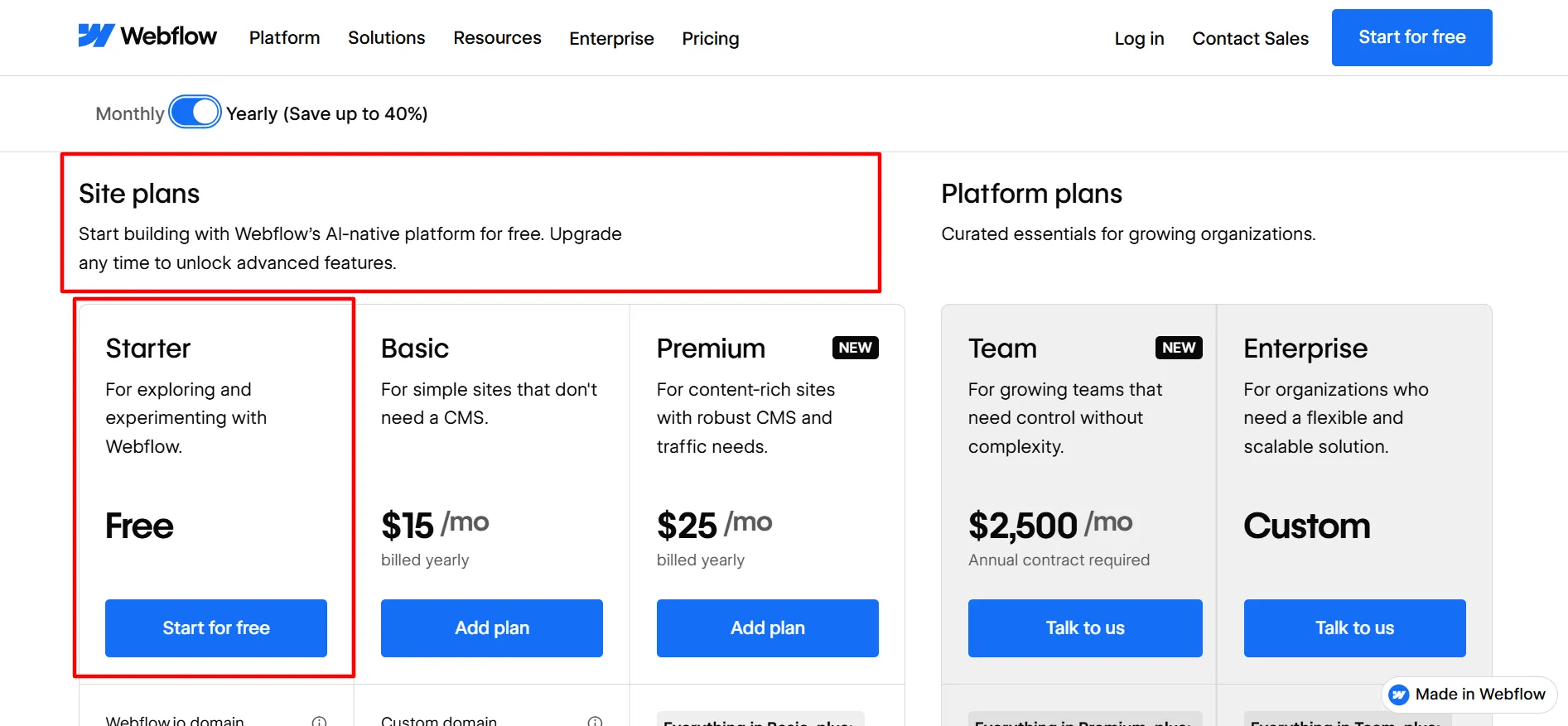
Starter — Free
Best for: exploring and experimenting with Webflow.
What’s included:
Webflow.io domain
Limited Webflow CMS
2 static pages
The catch: no custom domain, and 2 pages is genuinely just enough to test the builder, not launch a real site. Treat this as a trial, not a starting plan.
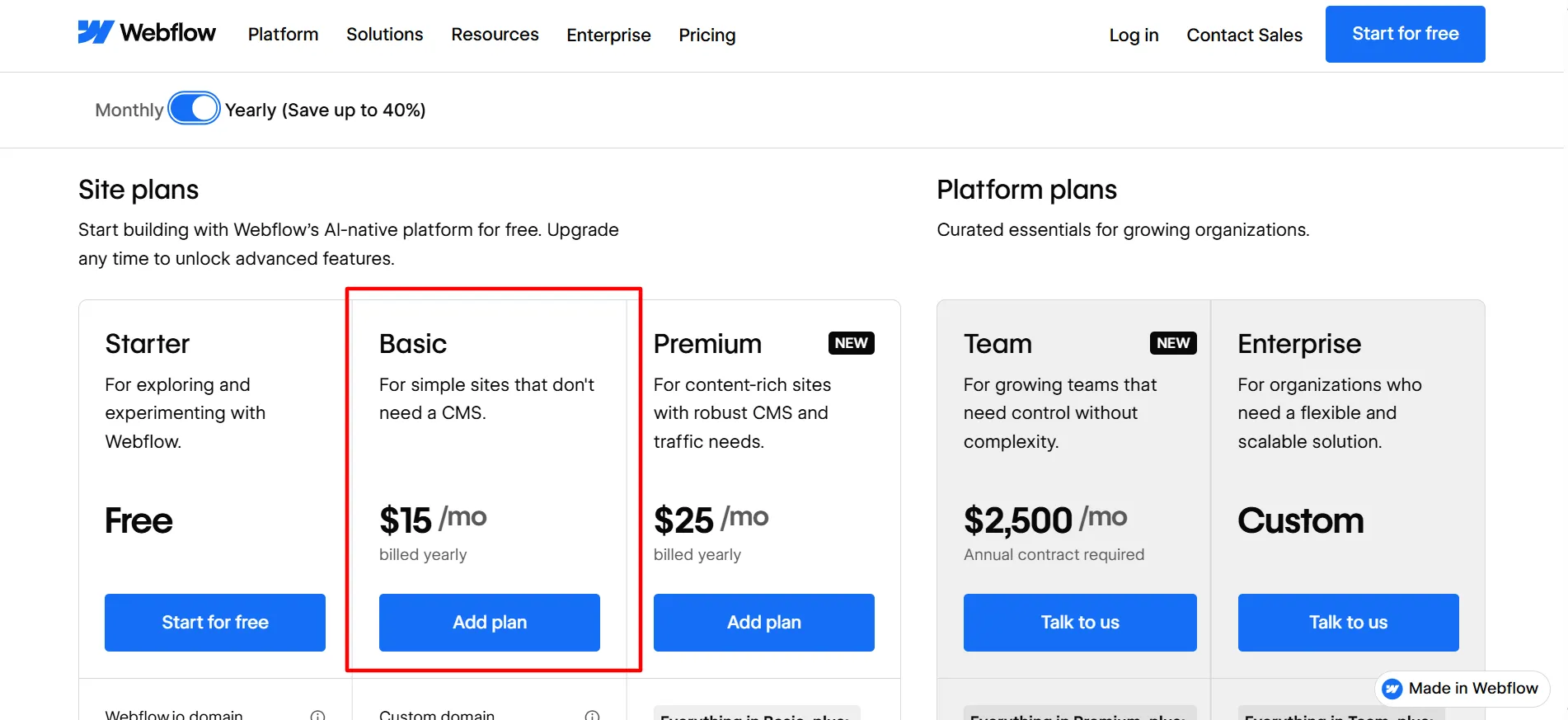
Basic — $15/mo (billed annually)
Best for: simple sites that don’t need a CMS.
What’s included:
Custom domain
300 static pages
10 GB bandwidth
Why this might not be enough: Basic has no CMS at all. If your site needs a blog, dynamic content, or anything that updates regularly, you’ll need Premium regardless of how simple the site looks on the surface.
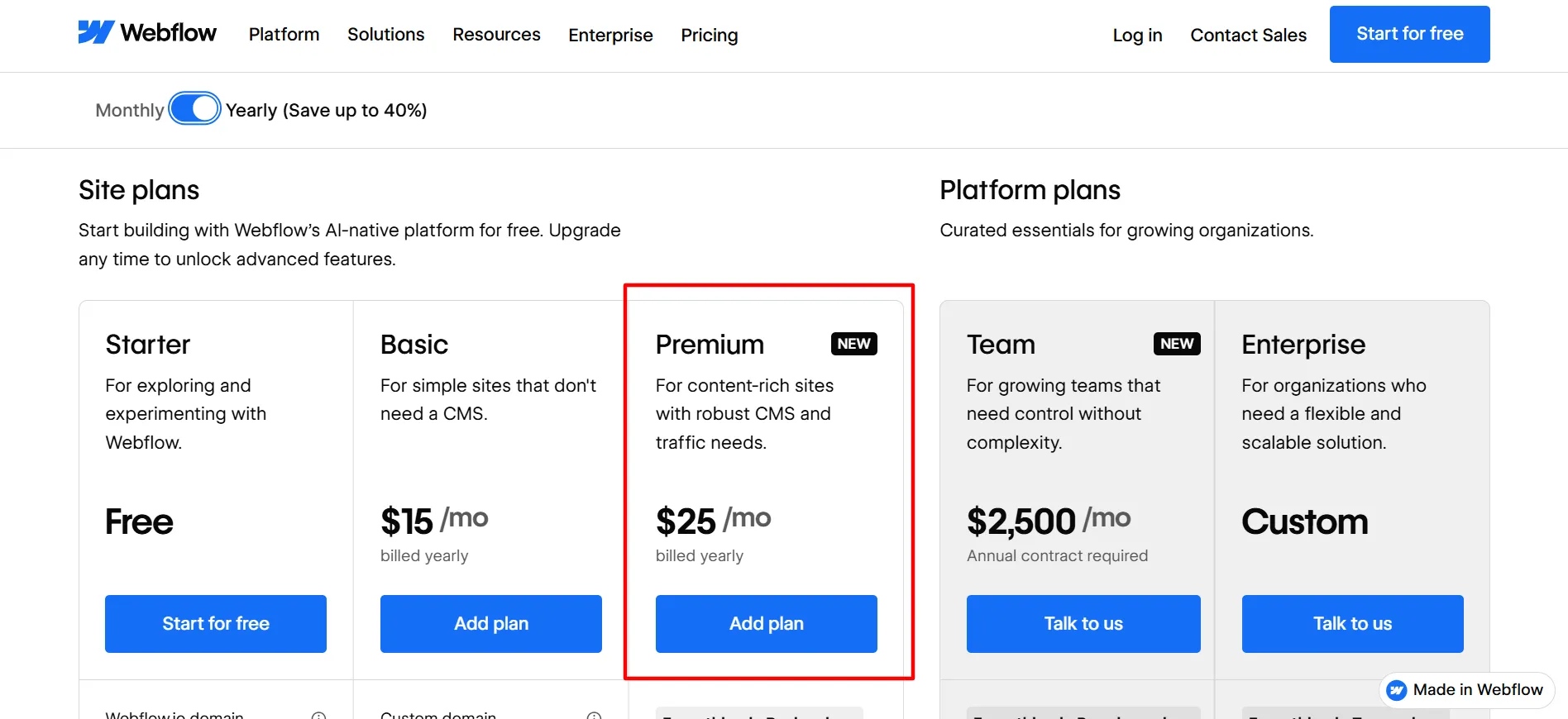
Premium — $25/mo (billed annually)
Best for: content-rich sites with robust CMS and traffic needs.
What’s included:
Everything in Basic, plus:
Full Webflow CMS
50 GB bandwidth (scalable)
Why this is the plan most real websites need: the CMS gap between Basic and Premium is the actual dividing line. Anything beyond a static landing page, blogs, portfolios, dynamic listings, needs Premium.
Ecommerce Plans (Selling Products)
Standard — $29/mo (billed annually)
Best for: businesses getting off the ground.
What’s included:
500 ecommerce items
2% transaction fee
Custom shopping cart and checkout
The catch: that 2% fee. Sell $10,000 a month and Kartra-style math applies here too, you’re giving up $200 before you’ve paid a cent toward the plan itself.
Plus — $74/mo (billed annually)
Best for: higher volume businesses.
What’s included:
5,000 ecommerce items
0% transaction fee
Custom checkout, unbranded emails
Why this is where the real value starts: removing the transaction fee often pays for the price jump from Standard the moment you’re selling at meaningful volume.
Advanced — $212/mo (billed annually)
Best for: scaling your online business to new heights.
What’s included:
15,000 ecommerce items
0% transaction fee
Custom checkout, unbranded emails
Worth noting: the jump from Plus to Advanced is purely about item capacity, 5,000 to 15,000, not new features. Only pay for this once inventory size actually demands it.
Requires an annual contract. Includes everything in Growth, plus Site & Workspace controls and Webflow Localize.
Built for growing organizations that need more control without added complexity, not solo creators or small teams.
Seats and AI Credits (Priced Separately)
Team members are billed per seat on top of whatever Workspace plan you’re on:
Seat Type
Price
Access Level
Full
$39/mo per seat, billed yearly
Design full sites or manage admin settings
Limited
$15/mo per seat, billed yearly
Edit content or build pages with components
Free
$0/mo
Invite reviewers and commenters only
AI credits power Webflow’s AI features across your entire Workspace and are sold as an add-on: 2,000 credits/mo for $20/mo, billed yearly.
Monthly vs Annual: What You’re Actually Saving
Webflow’s annual billing saves up to 40% on Site plans and around 35% on Workspace plans, applied automatically when you toggle billing at checkout, no code required. The exact dollar savings scale with the plan, higher tiers save more in raw dollars switching to annual, even though the percentage discount is similar across the board.
Which Plan Should You Actually Pick?
If you’re testing whether Webflow’s builder fits your workflow at all, Starter costs nothing and gives you real hands-on time with the editor. Once you’re ready to publish something real, Basic only makes sense if you’re certain you’ll never need a CMS, which rules it out for most actual businesses.
Premium is where most real websites land. For ecommerce, Standard works fine at low volume, but Plus pays for itself fast once that 2% fee starts adding up. Workspace plans only matter once you have a team, solo creators can ignore Core, Growth, and Team entirely and stick with the free default Workspace.
Genuinely free Starter and Workspace tiers to test before paying anything
Clear separation between Site, Ecommerce, and Workspace pricing avoids bundling confusion
0% transaction fees available on Plus and Advanced ecommerce tiers
Annual billing discount is automatic, no code needed
Cons
Basic plan's lack of CMS makes it a poor fit for most real websites
Standard ecommerce's 2% fee adds up fast at real sales volume
FAQs: Webflow Pricing 2026
Yes. Starter is free indefinitely, not a time-limited trial, though it caps at 2 pages and lacks a custom domain.
Explain how the product works.No. Basic has no CMS at all. Only Premium and above include Webflow's full CMS.
Only Standard, at 2%. Plus and Advanced both run at 0%.
Yes. Site plans control what your published website can do. Workspace plans control team collaboration tools and staging environments, and they're billed independently.
No. AI credits are a separate add-on purchase, 2,000 credits/mo for $20/mo, regardless of which Site or Workspace plan you're on.
It's priced and structured for larger organizations, not month-to-month flexibility, which is why it sits well outside what a solo creator or small team would typically need.
Webflow’s pricing rewards knowing exactly what your site needs before you commit. Starter is genuinely free forever if you’re still testing. Premium at $25/mo is where most real, content-driven websites should land, since Basic’s missing CMS rules it out fast.
For ecommerce, Plus becomes worth it the moment that 2% Standard fee starts costing more than the price difference. Workspace and Team plans only matter once you’re actually managing a team, not before.
Affiliate disclosure: In full transparency – some of the links on our website are affiliate links, if you use them to make a purchase we will earn a commission at no additional cost for you - none whatsoever.
Jitendra Vaswani
I’m Jitendra Vaswani, a passionate expert in SEO and AI-driven digital marketing with over 10 years of experience helping businesses thrive online. I founded Digiexe, a dynamic digital marketing agency, and Affiliatebooster, a game-changing WordPress plugin crafted for affiliate marketers, to empower others in their digital journeys. I love sharing my insights as a speaker at international events, connecting with audiences eager to master modern marketing. My bestselling book, Inside A Hustler’s Brain: In Pursuit of Financial Freedom, has sold over 20,000 copies worldwide, reflecting my dedication to inspiring and uplifting fellow hustlers and entrepreneurs. I’m driven by innovation and committed to shaping the future of digital success- one strategy at a time. Follow Jitendra Vaswani on Instagram, Facebook, and LinkedIn.